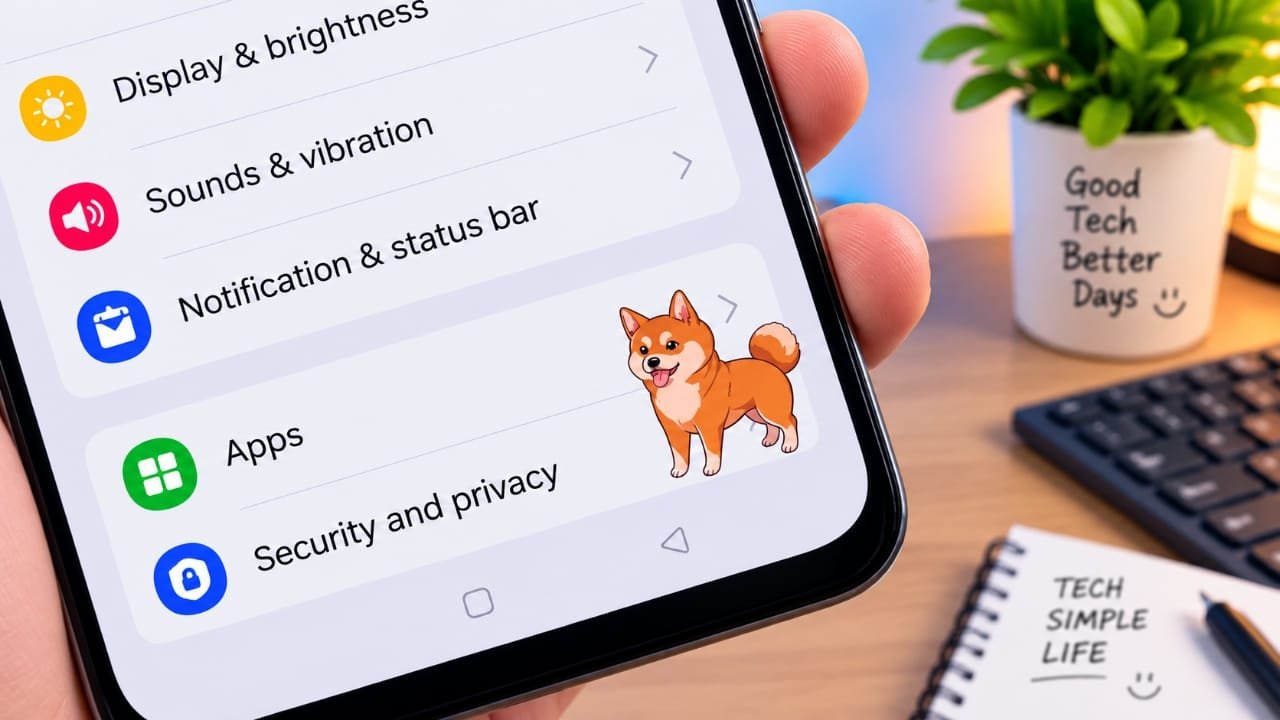
If you enjoy customizing your smartphone and want something different from the usual wallpapers and widgets, Shimeji is an interesting app to try. It lets you place small animated characters on your phone screen and watch them move around while you use your device.
The characters can walk, jump, dance, and interact with the screen, adding a fun touch to your everyday smartphone experience.
Advertisements
Also read: Make Your Android Feel Cleaner and Easier to Use with Nocebo Launcher
What Is Shimeji?
Shimeji is a mobile customization app designed to add animated characters to your phone screen. After setting it up, selected characters can appear over your home screen and move around while you use other apps.
Depending on the available character collection, you can choose from different cute and cartoon-style designs. The app also provides controls that let you adjust the appearance and behavior of these characters.
It is mainly designed for entertainment and personalization rather than productivity.
Key Features of Shimeji
1. Simple Setup
Shimeji is designed to be easy to understand, even if you are not familiar with customization apps. After installing the app, you can select a character and configure the available options according to your preference.
2. Different Character Choices
One of the main attractions of Shimeji is its collection of animated characters. You can explore different designs and choose the ones you like for your phone screen.
The available selection may vary depending on the app version and any additional character packs offered by the developer.
3. Animated Characters
The characters do more than simply stay in one place. They can move around the screen and perform different animations, making your otherwise static home screen feel more lively.
Some characters may also interact with elements on the screen, depending on how the app works on your device.
4. Character Customization
Shimeji gives you control over different aspects of the characters. For example, you can adjust their size and movement speed when those options are available.
This makes it easier to create a setup that does not feel too distracting while you are using your phone.
5. Lightweight Customization
Animated characters can potentially use additional system resources because they remain active on the screen. The actual battery and performance impact can vary depending on your phone, settings, and how many characters are running.
For this reason, it is better to use the customization settings that work comfortably on your device rather than assuming there will be no battery impact.
Why Use Shimeji on Your Phone?
1. Make Your Screen More Fun
If you spend a lot of time on your smartphone, a small animated character can make the interface feel more playful. It is a simple way to add some personality without completely changing your phone’s design.
2. Change the Usual Home Screen
A standard wallpaper can sometimes feel repetitive. Shimeji gives you another way to change the appearance of your phone by adding animated characters that move around the screen.
You can also switch characters when you want a different look.
3. Personalize Your Smartphone
Everyone has different preferences when it comes to phone customization. With Shimeji, you can choose characters and settings based on the style you prefer.
Whether you like cute animals, cartoon characters, or other animated designs, the available options can give your home screen a more personal feel.
4. Basic Features May Be Free
Shimeji is available through Google Play, and the app may offer free features along with optional in-app purchases. The exact features and pricing can change, so it is a good idea to check the current Play Store listing before making a purchase.
How Shimeji Works
After installing Shimeji, you can open the app and select an available character. Depending on the permissions and settings required by your Android version, you may need to allow the app to display its character over other apps.
Once everything is configured, the selected character can appear on your screen and move around while you use your phone.
You can also change settings such as character size or movement speed when supported by the app. If the animation becomes distracting, you can reduce the size, change the settings, or turn the character off.

Also read: Neon LED Volume – Volume Style: Give Your Android Volume Panel a Fresh New Look
Final Thoughts
Shimeji is a simple option for anyone who wants to add animated characters to their smartphone screen. Instead of changing only the wallpaper or icons, you can have a character moving around the screen while you use your phone.
Its main appeal is entertainment and customization. If you like animated characters and enjoy experimenting with your phone’s appearance, Shimeji can be worth exploring.
Before installing, check the latest Google Play listing for the current features, permissions, compatibility, and in-app purchase details.

I am a passionate Tech Writer with strong industry experience. I enjoy exploring the latest technological innovations and sharing clear, helpful insights with my audience.”
Advertisements