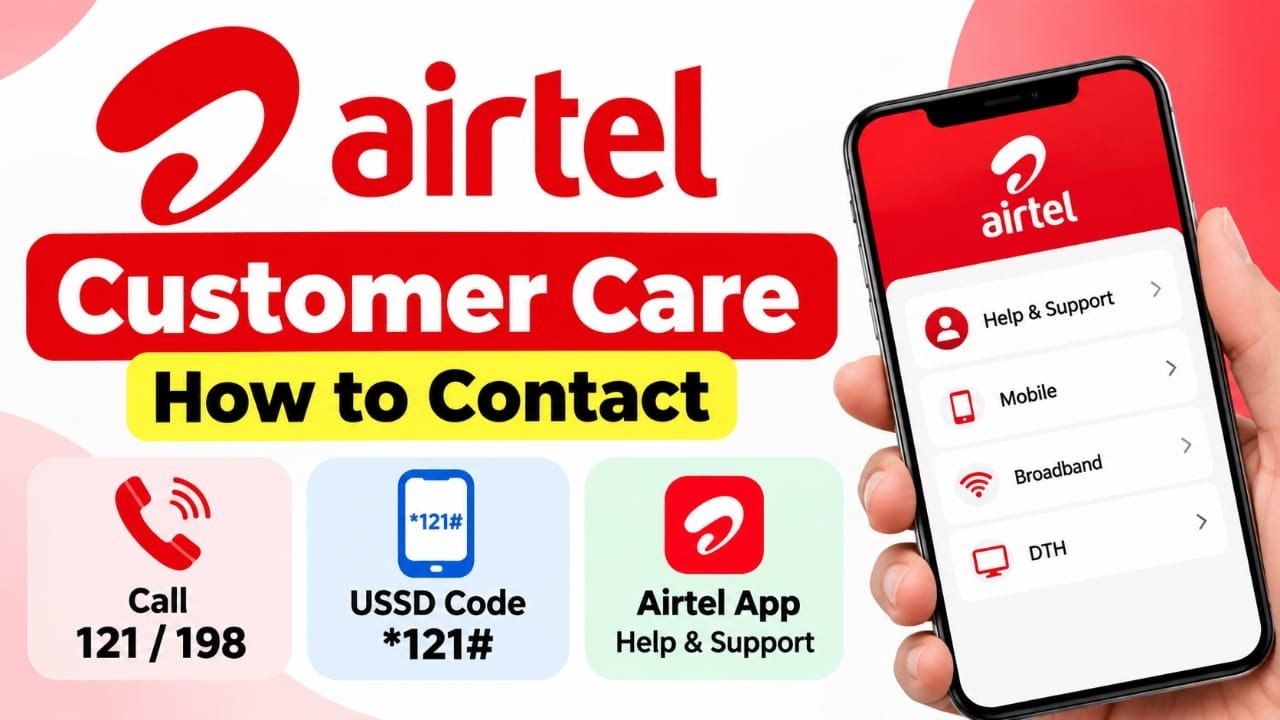
If you use Airtel and need help with your mobile connection, recharge, data balance, network, billing, or account, there are several ways to contact customer support.
You can call Airtel customer care, use a USSD service from your phone, or get help through the Airtel app. The right option depends on the type of problem you are facing.
Advertisements
Also read: AirTag Location Not Updating? 12 Ways to Fix ItContact Airtel Customer Care by Calling
Calling is one of the easiest ways to get assistance with an Airtel mobile service.
For Enquiries and Service Requests
Airtel customers can dial 121 from their Airtel mobile number for general enquiries and service-related requests.
After calling:
- Listen carefully to the IVR options.
- Select the option related to your problem.
- Follow the instructions provided during the call.
- If required, choose the option to speak with a customer-care advisor.
According to the information provided, advisor access through 121 costs 50 paise for three minutes.
For Complaints
If you want to report a service problem or make a complaint, you can dial 198 from your Airtel number.
Calls to 198 are listed as toll-free, so there is no charge for contacting customer care through this number.
Use Airtel USSD Service
You can also access Airtel’s customer-service options without speaking to an advisor.
Open your phone’s dialler and enter:
*121#
Press the call button and wait for the USSD menu to appear on your screen.
You can then choose the option that matches the information or service you need. Follow the instructions displayed on your phone to complete the request.
This method can be useful when you want to quickly check available service options without making a customer-care call.
Get Help Through the Airtel App
The Airtel app provides another way to find support from your smartphone.
To use it:
- Open the Airtel app.
- Sign in with your Airtel mobile number.
- Go to the Help & Support section.
- Select the Airtel service related to your issue.
- Choose the problem you are experiencing.
- Follow the troubleshooting instructions shown in the app.
Depending on the issue, the app may provide self-help steps or an option to contact Airtel support.
This can be convenient for problems related to mobile services, broadband, or DTH.
Which Airtel Support Method Should You Use?
The best option depends on what you need help with.
- General enquiries: Call 121.
- Complaints or service issues: Call 198.
- Quick service options: Use *121#.
- Troubleshooting and app-based support: Use the Airtel app.
Before contacting support, keep relevant information such as your Airtel number, recharge details, or account information available. This may make it easier to explain the problem.
Frequently Asked Questions
What is the Airtel customer care number?
Airtel customers can dial 121 for enquiries and service requests.
How can I complain about an Airtel service?
You can dial 198 from your Airtel mobile number to report a complaint or service-related issue.
Can I get Airtel support through the app?
Yes. Open the Airtel app, sign in, and go to the Help & Support section to find assistance for your Airtel service.
Can I use a USSD code for Airtel customer support?
Yes. You can dial *121# to access the available Airtel service menu from your phone.
Is Airtel customer care free?
The applicable charge depends on the support method. Calls to 198 are toll-free, while advisor access through 121 is charged at 50 paise for three minutes, according to the information provided.
Also read: Why Is Your AirTag Beeping and How Can You Stop It?
Conclusion
Airtel customers have multiple ways to get support in India. You can call 121 for enquiries and service requests, use 198 for complaints, dial *121# for USSD-based options, or use the Airtel app for troubleshooting and support.
Choose the method that best matches your issue and follow the instructions provided by Airtel.

I am a passionate Tech Writer with strong industry experience. I enjoy exploring the latest technological innovations and sharing clear, helpful insights with my audience.”
Advertisements