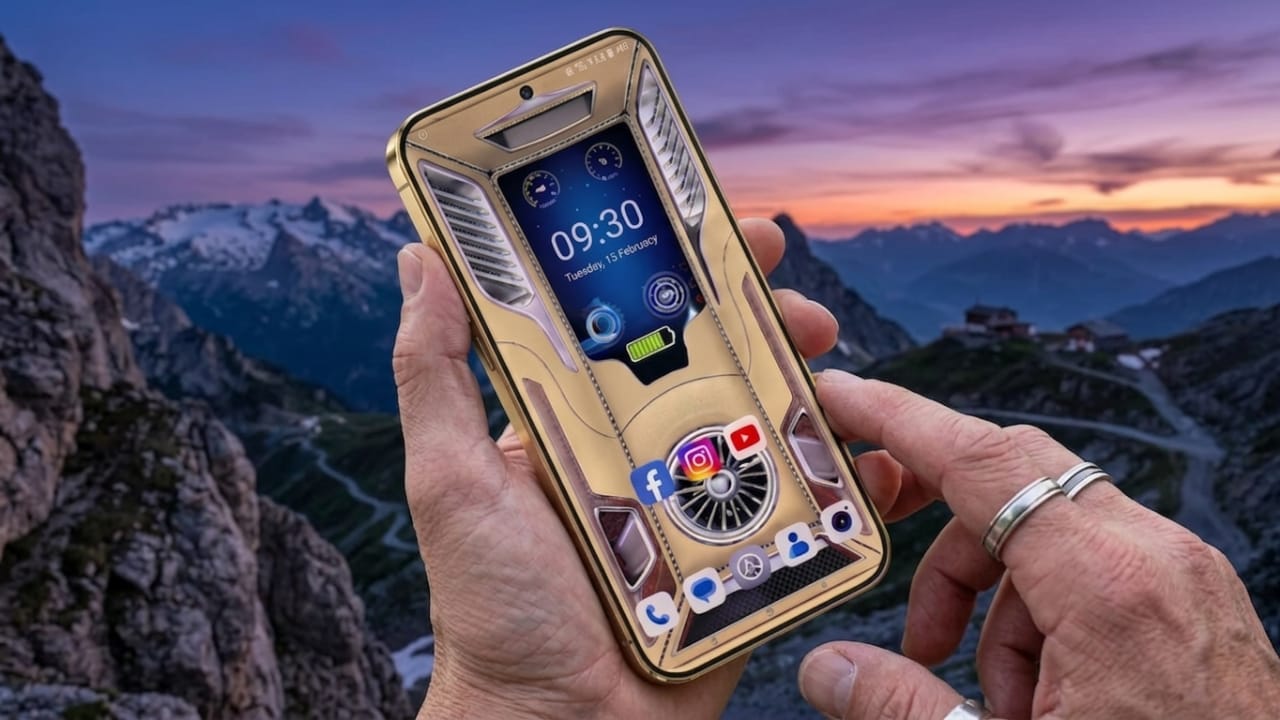
Android customization has come a long way. It is no longer limited to changing a simple background or adding a basic theme. Many users now want their phones to look stylish, interactive, and more personalized. This is where 3D live wallpaper apps have gained attention.
These apps can improve the appearance of your device while also adding useful on-screen details such as clocks, battery information, and charging visuals. With the right app, even a simple Android phone can feel fresh and modern.
Advertisements
Also read: Licowa App Brings Photo Editing, Live Wallpapers, and Collage Tools Together in One Android App
What Is a 3D Live Wallpaper App?
A 3D live wallpaper app replaces a regular still wallpaper with animated or motion-based backgrounds. Instead of a flat image, the screen can show movement, depth, or interactive effects.
Many modern apps also include practical tools like:
- 3D depth or parallax effects
- Animated wallpapers
- Digital or analog clock displays
- Battery level indicators
- Charging animations
- Weather, date, and time widgets
These features can make the home screen feel more dynamic while also displaying helpful information.
Why People Like 3D Live Wallpaper Apps
1. Stylish and Modern Look
3D backgrounds can add movement and depth to a phone screen. Light effects, layered visuals, and smooth animations often create a more polished appearance.
2. Useful Information at a Glance
Some wallpaper apps include built-in widgets that show key details directly on the screen, such as:
- Current time
- Battery percentage
- Charging status
- Date and day
This can make it easier to check basic information without opening extra apps.
3. More Personalization
Different users prefer different styles. Some may like clean and minimal layouts, while others prefer colorful or futuristic designs.
Many apps offer customization options to match different preferences.
Common Features in Modern 3D Wallpaper Apps
High-Quality Visual Effects
Popular apps often provide:
- HD and high-resolution wallpapers
- Motion-based depth effects
- Animated backgrounds
- Smooth transitions
Some wallpapers may respond to device movement, creating a layered visual effect.
Clock Widgets
Clock-related options may include:
- Digital clock styles
- Analog clock designs
- Font customization
- Adjustable colors and sizes
This helps users match the clock style with their wallpaper or theme.
Battery Display Features
Some apps include battery-focused widgets such as:
- Battery percentage display
- Charging progress visuals
- Low battery notifications
- Basic battery-related status indicators
These tools can be helpful for users who frequently check battery levels.
Charging Effects
Charging animations are a popular part of phone customization. Depending on the app, users may see:
- Neon-style charging visuals
- Animated battery effects
- Glow-based power graphics
- Modern charging screens
These are mostly visual features that improve appearance.
Custom Controls
Many apps allow changes like:
- Widget placement
- Animation speed
- Text color
- Background effects
- Layout adjustments
This gives users more control over how the home screen looks.
Benefits of Using These Apps
Improved Visual Experience
A well-designed wallpaper can refresh the overall appearance of a phone. Even older devices may feel more updated with lighter customization.
Quick Screen Access
Widgets can reduce the need to repeatedly open settings or check small system icons for basic details.
Easy to Use
Most wallpaper apps can be installed and used without advanced setup. In many cases, no technical changes are needed.
Better Optimization Than Older Apps
Many newer customization apps are designed to be more efficient, although performance may vary depending on the device and app quality.
Who May Like These Apps?
3D live wallpaper apps can be useful for:
- Android customization fans
- Mobile gamers
- Content creators
- Users who enjoy stylish phone themes
- People who want a cleaner or more modern home screen
- Users who like quick access to battery or time widgets
Example of What to Look For
When choosing a wallpaper app, useful features may include:
- Live wallpaper support
- Clock widgets
- Battery indicators
- Charging animations
- Customization settings
- Stable performance
- Regular updates
Things to Check Before Installing
Not every app offers the same experience. Some poorly optimized apps may:
- Use too much battery
- Show frequent ads
- Ask for unnecessary permissions
- Slow down older or low-end phones
It is usually safer to choose apps with:
- Positive user feedback
- Updated versions
- Clear app details
- Trusted developers
- Balanced performance
Optional Download Link:
3D Wallpaper Clock Widget HD
Also read: Best Android Lighter Simulator Apps With Realistic Flames and Concert Effects
Final Thoughts
3D live wallpaper apps can improve the look of an Android phone by combining motion effects, widgets, and personalization tools in one place. They can make a device feel more visually appealing without requiring complex setup.
However, using too many effects or heavy widgets may affect performance on some phones. A simple setup with useful features often provides the best balance between appearance and smooth usability.
If you enjoy customizing your Android device, a well-optimized 3D live wallpaper app can be a nice way to refresh your home screen.

I am a passionate Tech Writer with strong industry experience. I enjoy exploring the latest technological innovations and sharing clear, helpful insights with my audience.”
Advertisements