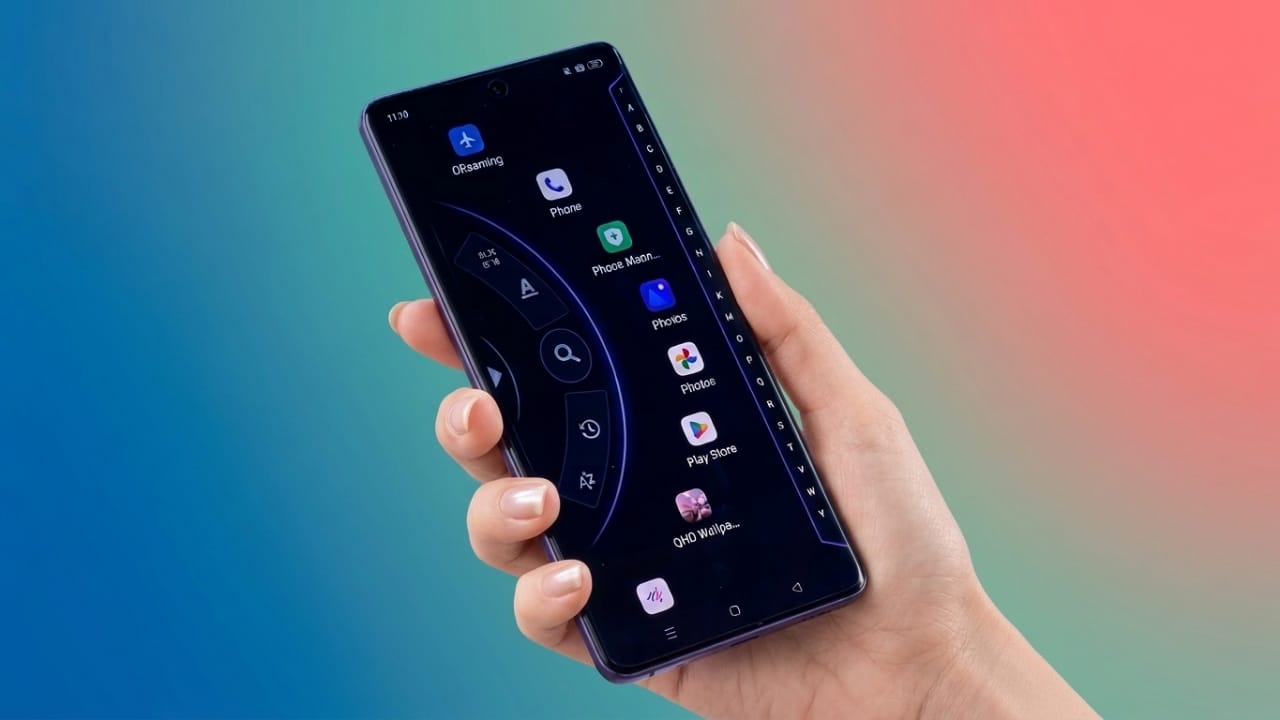
Android smartphones offer many ways to personalize your device, and one of the easiest methods is by using a launcher app. Alpha Hybrid Launcher is a popular option that helps users customize their home screens with different layouts, themes, gestures, and useful tools.
If you want to give your phone a fresh new look and improve your overall user experience, Alpha Hybrid Launcher provides a variety of settings that can help you achieve that. Let’s explore its main features and customization options.
Advertisements
Also read: Computer Launcher for Android: Give Your Phone a Desktop-Style Look
What is Alpha Hybrid Launcher?
Alpha Hybrid Launcher is an Android launcher designed to enhance the appearance and functionality of your smartphone. It allows users to customize home screen layouts, app icons, gestures, widgets, and more without making complicated changes to the device.
The launcher focuses on providing a smooth experience while offering plenty of personalization features.
Main Features of Alpha Hybrid Launcher
1. Clean and Customizable Interface
The launcher offers several customization options that help users create a unique home screen design.
Features include:
- Support for custom themes and icon packs
- Light mode and dark mode options
- Adaptive icons for a modern appearance
- Flexible grid and layout settings
2. Smart App Access
Finding apps quickly becomes easier with built-in smart tools.
Highlights include:
- Fast app search functionality
- Suggested apps based on usage habits
- Easy access to frequently used applications
3. Gesture Controls
Gesture support allows users to perform actions without tapping multiple buttons.
Common gesture options include:
- Swipe up to open search
- Swipe down for notifications
- Double-tap actions
- Pinch gestures for additional controls
4. Useful Widgets
The launcher supports various widgets that provide quick information directly on the home screen.
Examples include:
- Weather updates
- Calendar information
- Quick shortcuts and actions
- Resizable widgets for better layout management
5. Performance Enhancements
Alpha Hybrid Launcher is designed to run efficiently on different Android devices.
Performance-related features may include:
- Battery-saving options
- Reduced background activity
- Low RAM usage mode for older phones
- App management tools to improve efficiency
6. Notification Indicators
Users can stay informed about new messages and alerts through notification badges.
Options include:
- Unread notification dots
- Custom colors for notification indicators
- Adjustable badge appearance
7. Dock Customization
The dock area can be personalized according to user preferences.
Available options may include:
- Changing dock styles
- Adding favorite apps for quick access
- Placing widgets in the dock area
- Hiding the dock if preferred
8. Privacy Features
The launcher includes privacy-focused tools for users who want additional control over their apps.
Features may include:
- Hidden app support
- App lock functionality
- Privacy-related customization settings
9. Backup and Restore
Users can save their launcher settings and restore them later when needed.
Benefits include:
- Backup of layouts and settings
- Easy restoration after reinstalling
- Support for cloud backup in supported versions
10. News and Information Feeds
Some versions of the launcher may provide access to external information feeds.
These can include:
- News updates
- Weather information
- Quick access to useful content
Alpha Hybrid Launcher Settings Overview
Display Settings
In this section, users can customize:
- Theme selection
- Icon size
- Font size
- Color preferences
App Drawer Settings
The app drawer can be adjusted with options such as:
- Layout style
- Background appearance
- App sorting methods
- Grid size configuration
Home Screen Settings
Users can modify:
- Home screen grid size
- Icon dimensions
- Label visibility
- Wallpaper scrolling effects
Gesture Settings
This area allows customization of actions for:
- Swipe gestures
- Double-tap actions
- Pinch gestures
- Other shortcut controls
Notification Settings
Manage notification indicators by:
- Enabling or disabling notification dots
- Selecting custom colors
- Adjusting badge visibility
Backup and Restore Settings
Users can:
- Create backups
- Restore saved configurations
- Manage backup preferences
Privacy Settings
Privacy controls may include:
- Hiding apps
- Configuring app locks
- Managing related permissions

Also read: Battery Charging Animation 4K: Make Your Phone’s Charging Screen More Attractive
Final Thoughts
Alpha Hybrid Launcher offers a wide range of customization options for Android users who want a personalized home screen experience. From themes and gestures to privacy tools and performance settings, it provides many useful features that can help improve both the look and usability of your smartphone.
Keep in mind that available features may vary depending on the version of the launcher you are using. Checking for updates regularly can help you access the latest improvements and customization options.

I am a passionate Tech Writer with strong industry experience. I enjoy exploring the latest technological innovations and sharing clear, helpful insights with my audience.”
Advertisements