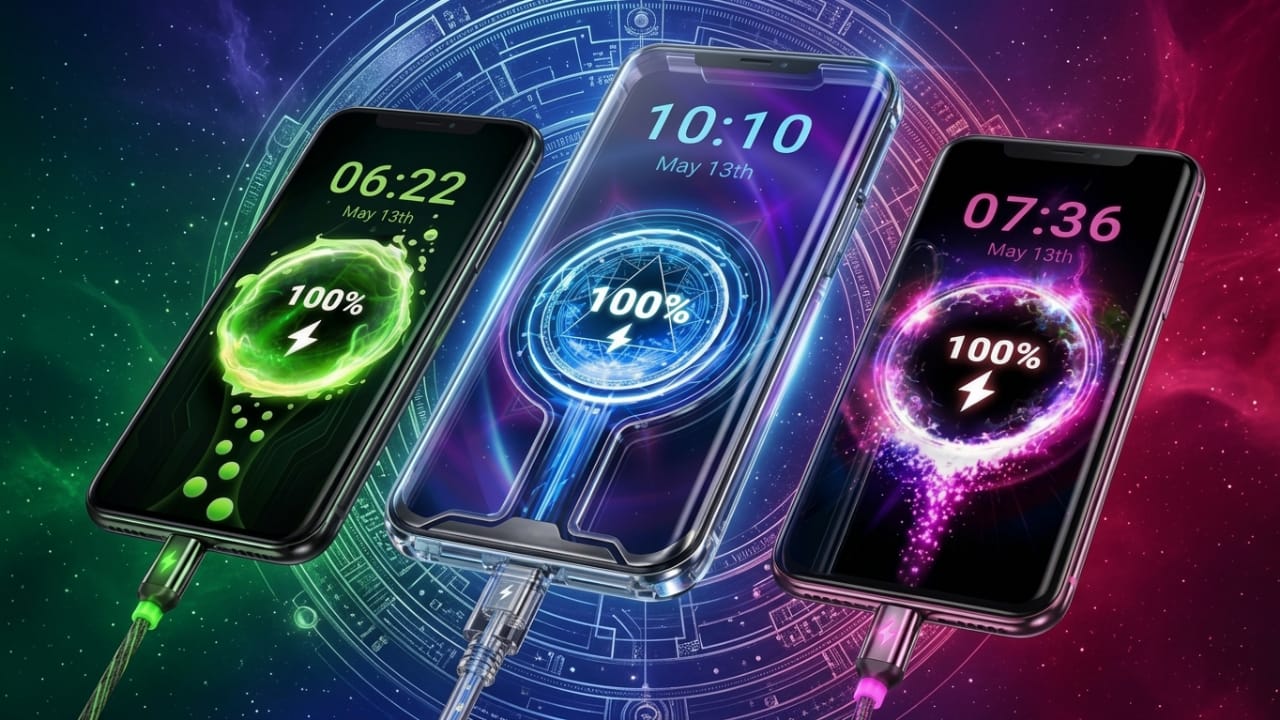
Android users love customizing their phones. A simple home screen is no longer enough for many people. From widgets and wallpapers to icons and lock screens, users now prefer a setup that feels unique and visually attractive.
One feature that often gets ignored is the charging screen. Most Android devices still show a basic battery icon while charging. After a while, that default look can feel dull and outdated.
Advertisements
This is where charging animation apps become popular. These apps add stylish charging effects, animated battery visuals, and live wallpapers that make the charging experience look more modern and engaging.
Also read: Best 3D Live Wallpaper Apps for Android With Clock, Battery & Charging Effects
What Is a Charging Animation App?
A charging animation app changes the default charging screen on Android devices. Instead of a plain battery symbol, users see animated visuals whenever the charger is connected.
These apps usually include features such as:
- Animated charging effects
- 3D battery designs
- Live wallpapers
- Neon-style charging themes
- Custom battery screen layouts
Their main purpose is personalization and visual enhancement rather than improving phone performance.
Attractive 3D Charging Effects
One of the biggest reasons people install these apps is the 3D charging animation feature.
When the phone starts charging, users may see effects like:
- Glowing energy animations
- Lightning-style visuals
- Animated battery indicators
- RGB lighting effects
- Futuristic charging graphics
These effects can make a smartphone look more stylish and premium compared to the standard Android charging screen.
Live Wallpapers for Charging Screens
Many charging animation apps also include live wallpapers designed specifically for charging mode.
Popular wallpaper styles often include:
- Electric energy themes
- Space and galaxy-inspired effects
- Minimal animated backgrounds
- RGB battery visuals
- Futuristic motion designs
These wallpapers help create a more dynamic and visually interesting charging experience.
Easy Customization Options
Customization is one of the main reasons these apps are popular among Android users.
Most apps allow users to:
- Select different charging animations
- Change battery themes
- Adjust animation speed
- Apply visual effects
- Customize the charging screen appearance
This makes it easy to match the charging screen with the overall phone theme and personal style.
Additional Battery Features
Some charging animation apps also include simple battery-related tools such as:
- Battery percentage display
- Low battery alerts
- Charging status information
- Charging speed details
These features can be useful for daily use, although users should not expect advanced battery analytics from customization apps.
Simple and Beginner-Friendly Setup
Another reason these apps are widely used is their easy setup process.
In most cases, users only need to:
- Install the app
- Allow the required permissions
- Choose a charging animation
- Enable the charging effect
- Connect the charger
Once activated, the animation appears automatically whenever the device is plugged in.
Why Many Android Users Like These Apps
Charging animation apps are especially popular among:
- Android customization enthusiasts
- Mobile gamers
- Users who enjoy RGB themes
- Content creators
- People who like aesthetic phone setups
Animated charging screens also appear frequently in short videos on platforms like Instagram Reels, TikTok, and YouTube Shorts because they look attractive on camera.
Performance and Battery Usage
Some users worry that charging animation apps may harm battery health or slow down the device.
In reality:
- These apps mostly affect screen activity, not battery hardware
- Heavy animations may slightly increase power usage
- Poorly optimized apps can cause lag on older smartphones
Using lightweight animations and simple effects usually provides a smoother experience.
Download From the Google Play Store
Users who want to try these apps can download them directly from the Google Play Store.
Common features often include:
- 3D charging animations
- Live battery wallpapers
- Neon charging effects
- Custom charging themes
- Animated battery visuals
Before installing any app, it is always a good idea to check user reviews, ratings, and permissions for a safer experience.
Important Things to Know
Charging animation apps are mainly designed for visual customization.
They do not:
- Increase charging speed
- Improve battery life
- Boost hardware performance
Some advertisements may exaggerate these benefits, but most features are cosmetic only.
Also, running very heavy animations continuously may affect the performance of low-end devices.
Optional Download Link:
Charging Animation Theme
Also read: Best Android App for Custom Charging Animations and Battery Themes
Final Thoughts
Charging animation apps can make Android phones look more modern and visually appealing. Features like 3D charging effects, animated battery visuals, and live wallpapers add a fresh touch to the overall charging experience.
However, the best phone customization is usually simple and balanced. Too many heavy animations can make a device feel cluttered or slower.
For users who enjoy personalizing their Android devices, charging animation apps can still be a fun and stylish addition.

I am a passionate Tech Writer with strong industry experience. I enjoy exploring the latest technological innovations and sharing clear, helpful insights with my audience.”
Advertisements