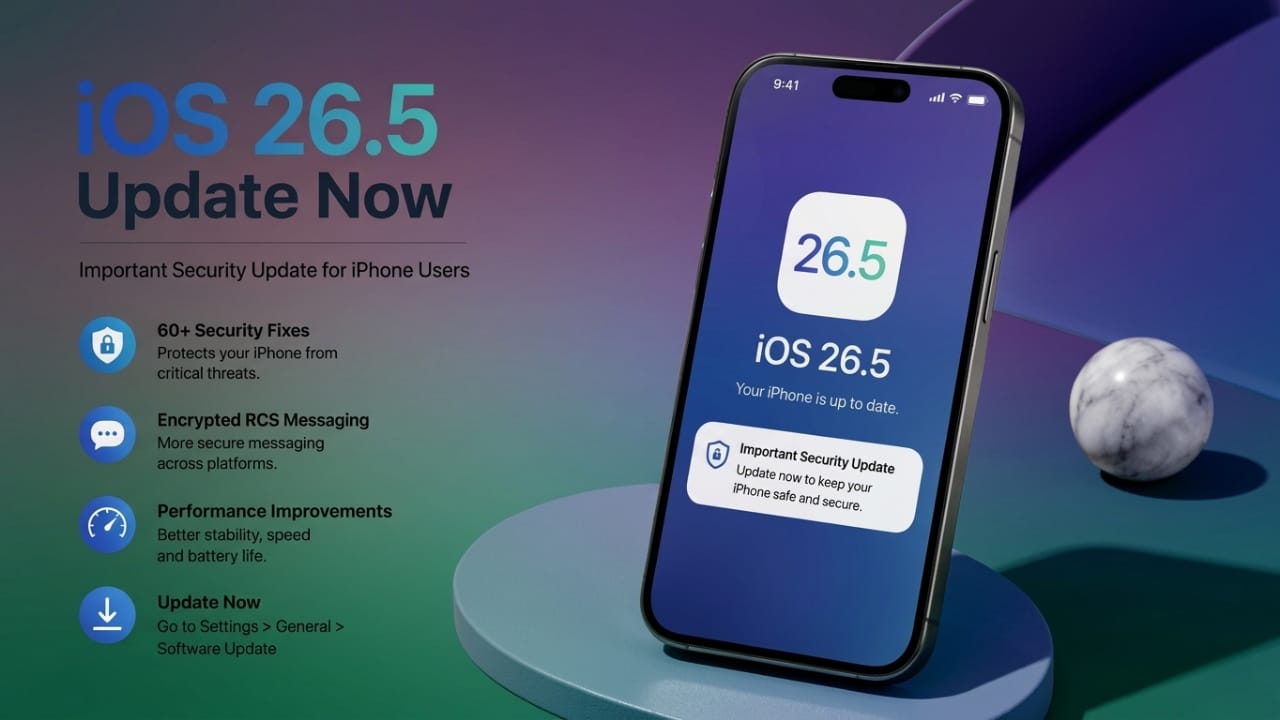
Apple has officially rolled out the new iOS 26.5 update for iPhone users. Along with the release, the company is strongly encouraging users to install the update as soon as possible. The latest version mainly focuses on improving security and fixing several issues that could affect user privacy and device safety.
According to Apple, the update resolves more than 60 security vulnerabilities found in earlier iOS versions. Besides security fixes, the software also brings a few useful improvements for messaging and overall system performance.
Also read: How to Silence Unknown Callers on WhatsApp (Android & iPhone)
Why Apple Is Urging Users to Update
The biggest reason behind this urgent update is security. Apple says some vulnerabilities in older versions of iOS could allow harmful apps, websites, or files to take advantage of system weaknesses.
In certain situations, these issues could expose personal information or cause apps and system functions to behave unexpectedly. Because of this, Apple is recommending that users install the latest update without delay.
Security experts also suggest keeping devices updated regularly, especially when companies release patches marked as important or high priority.
More Than 60 Security Issues Fixed
One of the major highlights of iOS 26.5 is the large number of security improvements included in the update.
Apple reports that the latest software fixes over 60 vulnerabilities connected to different parts of the system, including:
- Safari browser
- Bluetooth connectivity
- FaceTime
- System memory
- Built-in apps
Some of these bugs could potentially allow malicious code to run on a device without the user noticing. Apple has not shared full technical details publicly, which is a common practice to reduce the risk of misuse before most users update their devices.
Messaging Features Receive Improvements
Apart from security updates, iOS 26.5 also introduces improvements to messaging features on supported iPhones.
Reports suggest that Apple has expanded support for encrypted RCS messaging where carrier support is available. This can help make conversations between different platforms more secure and reliable.
Users may also notice:
- Better message syncing across devices
- Improved stability in chats
- Smoother communication experience
However, some features may roll out gradually depending on region and network carrier support.
Which iPhones Support iOS 26.5?
The update is available for many recent iPhone models. Devices starting from the iPhone 11 series and newer are expected to support iOS 26.5.
Apple has also released separate security updates for certain older iPhone models that cannot run iOS 26, helping older devices stay protected as well.
This shows Apple’s continued focus on improving smartphone security as cyber threats continue to grow worldwide.
How to Install iOS 26.5 on Your iPhone
Updating your iPhone is simple and usually takes only a few minutes.
Follow these steps:
- Open Settings
- Tap General
- Select Software Update
- If iOS 26.5 is available, tap Download and Install
Before starting the update, make sure:
- Your iPhone has enough battery
- You are connected to Wi-Fi or stable internet
- Important data is backed up
Once the installation finishes, your iPhone will restart automatically with the new software version installed.
Why Regular Software Updates Matter
Smartphones now store a large amount of personal information, making them a common target for cyber threats. Because of this, software updates are becoming more important than ever.
Regular updates can help:
- Improve device security
- Fix software bugs
- Increase system stability
- Optimize battery performance
- Enhance overall user experience
Many users delay updates for days or even weeks, but doing so can leave devices exposed to known security risks. Installing updates on time is one of the easiest ways to keep a smartphone safe.
Also read: WhatsApp Plus Premium Features Are Coming to iPhone Users
Final Thoughts
The iOS 26.5 update is an important release for iPhone users. Along with fixing more than 60 security vulnerabilities, it also improves messaging features and overall system protection.
Apple has clearly advised users to install the update quickly, especially because some of the fixed issues could affect privacy and device security.
If you own a supported iPhone, updating to iOS 26.5 can help keep your device safer and running more smoothly. Regular software updates remain one of the best ways to protect personal information and maintain device performance over time.
FAQs
Is iOS 26.5 safe to install?
Yes, the update is officially released by Apple and mainly focuses on improving security and fixing system issues.
Which iPhones can install iOS 26.5?
Most recent iPhone models, including the iPhone 11 series and newer, are expected to support the update.
Does iOS 26.5 improve performance?
Along with security fixes, the update may also improve system stability, messaging performance, and overall device reliability.
How long does the update take to install?
Installation time can vary depending on internet speed and device model, but most updates are completed within a few minutes.
Should I back up my iPhone before updating?
Yes, creating a backup before installing any software update is always recommended to keep your important data safe.

I am a passionate Tech Writer with strong industry experience. I enjoy exploring the latest technological innovations and sharing clear, helpful insights with my audience.”