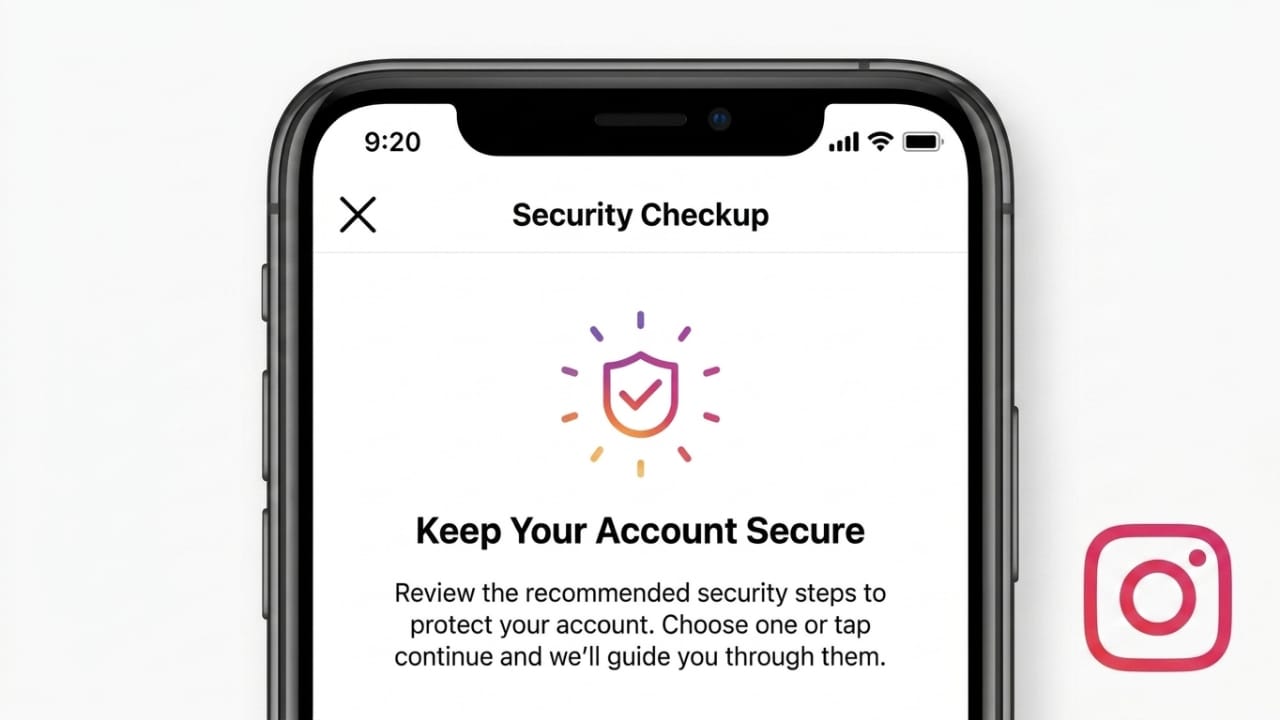
Instagram is one of the most widely used social media platforms today. People use it to share photos, videos, Stories, and communicate through direct messages. While these features make Instagram enjoyable and useful, they also involve sharing personal information online.
Your Instagram account may contain private photos, conversations, contact information, and other personal details. Keeping this information secure is important to prevent unauthorized access and protect your online privacy.
Advertisements
This guide explains simple and practical ways to improve your Instagram security and reduce the risk of account-related problems.
Also read: Instagram Warns Users Following Security Issue Linked to Meta AI Support Tools
Why Protecting Your Instagram Account Is Important
Many people spend time creating content and interacting with followers but pay little attention to account security. Unfortunately, social media accounts are often targeted by scammers and cybercriminals.
A secure Instagram account helps protect:
- Personal photos and videos
- Private conversations
- Email addresses
- Phone numbers
- Business-related information
- Your online reputation
Taking a few security precautions can make it much harder for someone to gain access to your account.
Turn On Two-Factor Authentication
Two-factor authentication, often called 2FA, adds an extra layer of protection to your Instagram account.
When this feature is enabled, Instagram asks for an additional verification code whenever someone tries to log in. Even if your password becomes known to someone else, they still cannot access the account without the verification code.
To enable two-factor authentication:
- Open Instagram Settings.
- Go to Accounts Center.
- Select Password and Security.
- Tap Two-Factor Authentication.
- Follow the instructions on the screen.
Using an authentication app is generally considered a more secure option than receiving codes through text messages.
Create a Strong Password
A weak password is one of the most common reasons social media accounts become vulnerable.
Avoid using:
- Birthdays
- Names
- Easy number patterns
- Common words
Instead, choose a password that includes a mix of:
- Capital letters
- Small letters
- Numbers
- Special symbols
It’s also a good idea to use a different password for every important online account.
Check Login Activity Regularly
Instagram allows users to view devices that are currently connected to their account.
To review active logins:
- Open Settings.
- Go to Password and Security.
- Select Where You’re Logged In.
If you notice a device or location you don’t recognize, sign out from that session immediately and update your password.
Consider Making Your Account Private
If your goal isn’t to reach a public audience, switching to a private account can improve privacy.
With a private account:
- Only approved followers can see your posts.
- New follower requests require approval.
- Strangers cannot freely browse your content.
This setting is especially useful for personal profiles and younger users.
Be Careful With Connected Apps
Many people connect external services to Instagram for purposes such as:
- Account analytics
- Content scheduling
- Social media management
- Follower insights
While some services are legitimate, others may request unnecessary access to your account.
Only connect trusted applications and periodically review which services have access to your Instagram account.
Also read: Android
Avoid Sharing Too Much Personal Information
Information shared publicly can sometimes be used by scammers.
Try not to display sensitive details such as:
- Personal phone numbers
- Home addresses
- Financial information
- Other private data
Keeping personal information limited can help reduce privacy risks.
Learn to Recognize Suspicious Messages
Scammers often create messages that appear to come from official sources.
Be cautious if a message contains:
- Requests for passwords
- Urgent warnings
- Verification scams
- Suspicious links
Instagram does not ask users to provide passwords through direct messages. If a message seems unusual, avoid clicking any links until you verify its authenticity.
Manage Who Can Interact With Your Content
Instagram offers several tools that help control interactions on your profile.
You can:
- Hide Stories from specific people
- Restrict Story replies
- Control who can comment
- Block unwanted users
- Limit interactions without blocking
These settings give you greater control over your online experience.
Monitor Tags and Mentions
Other users can sometimes tag you in posts, photos, or comments.
To maintain control over your profile:
- Enable manual tag approval
- Review mentions regularly
- Remove unwanted tags when necessary
This helps ensure your profile is only connected to content you are comfortable with.
Protect Your Email Account
Your email account plays an important role in Instagram security.
If someone gains access to your email account, they may attempt to reset your Instagram password.
To improve email security:
- Use a strong password
- Enable two-factor authentication
- Keep recovery information updated
Protecting your email account helps protect your social media accounts as well.
What to Do If You Suspect Unauthorized Access
If you believe someone has accessed your Instagram account without permission, take action immediately.
Recommended steps include:
- Change your password.
- Sign out of all active sessions.
- Enable two-factor authentication.
- Remove unknown connected apps.
- Use Instagram’s official account recovery options if needed.
Quick action can help prevent additional problems.
Common Security Mistakes to Avoid
Many account security issues happen because of simple mistakes.
Avoid:
- Sharing passwords with others
- Reusing the same password across multiple websites
- Opening suspicious links
- Accepting unknown follower requests without caution
- Installing untrusted third-party apps
Good security habits can significantly reduce online risks.
Also read: iOS 27 Leak Hints at a Smarter Siri, AI Search Features, and Powerful Photo Editing Tools
Conclusion
Instagram provides several useful privacy and security features, but users must take advantage of them to stay protected. Using strong passwords, enabling two-factor authentication, monitoring account activity, and staying alert to scams are some of the most effective ways to improve account safety.
Spending a few minutes reviewing your privacy settings today can help protect your personal information and create a safer experience on Instagram in the future.

I am a passionate Tech Writer with strong industry experience. I enjoy exploring the latest technological innovations and sharing clear, helpful insights with my audience.”
Advertisements