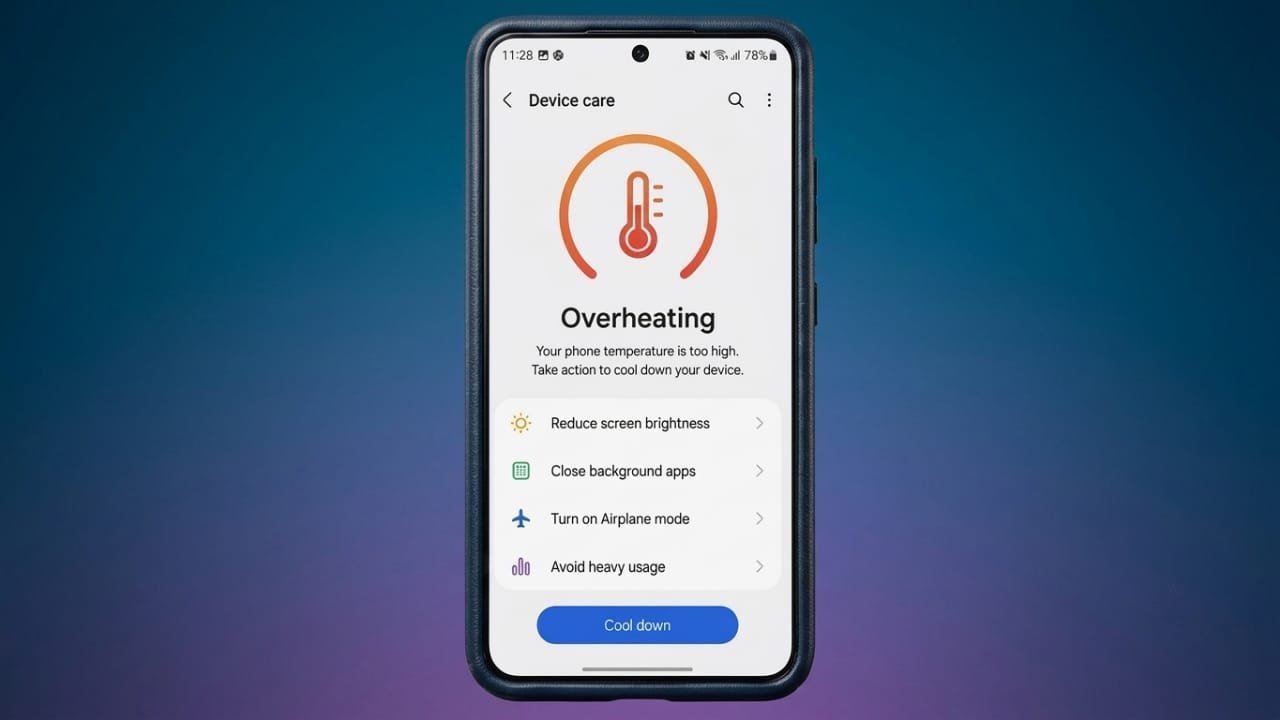
It is normal for a smartphone to feel slightly warm while charging, playing games, or using demanding apps. However, if it becomes uncomfortably hot or overheats regularly, it may affect performance, reduce battery life, and shorten the overall lifespan of the device.
The good news is that, in many cases, overheating can be prevented with a few simple habits.
Advertisements
Also read: How to Activate an Airtel eSIM in 2026: Complete Step-by-Step Guide
Common Reasons Why Phones Overheat
Several everyday factors can cause your phone to heat up more than usual, including:
- Playing games for long periods
- Fast charging
- High screen brightness
- Too many apps running at the same time
- Weak mobile network signals
- Direct exposure to sunlight
- Software issues
- Apps that need updating
Finding the cause is the first step toward solving the problem.
Close Unused Apps
Many apps continue running in the background even after you stop using them. Social media, maps, streaming platforms, and messaging apps can all use processing power without you noticing.
To reduce unnecessary workload:
- Open the recent apps screen.
- Close apps you no longer need.
- Restart your phone if several apps have been running for a long time.
This can quickly help lower your phone’s temperature.
Lower Your Screen Brightness
A brighter display uses more power, which can produce extra heat.
To reduce strain on your device:
- Turn on adaptive brightness.
- Lower the brightness manually when possible.
- Use dark mode if your phone supports it.
These changes can also improve battery life.
Avoid Heavy Use While Charging
Using your phone during charging can increase heat, especially when performing demanding tasks such as:
- Gaming
- Watching videos
- Video calling
- Streaming movies
Whenever possible, allow your phone to charge without using it.
Remove Thick Cases During Charging
Some protective cases can trap heat and slow cooling.
If your phone feels unusually hot while charging:
- Remove the case temporarily.
- Place the phone on a flat, hard surface.
- Let it cool naturally.
Avoid charging your phone under pillows, blankets, or cushions because they can prevent heat from escaping.
Turn Off Features You Don’t Need
Wireless features continue using power even when they are not actively in use.
Consider switching off features such as:
- Bluetooth
- GPS or Location Services
- Wi-Fi
- Mobile Hotspot
- NFC
Disabling unused features can help reduce battery usage and keep your device cooler.
Keep Your Apps Updated
App updates often include bug fixes and performance improvements. Older versions may contain issues that cause your phone to work harder than necessary.
On Android:
- Open the Google Play Store.
- Tap your profile icon.
- Select Manage apps & device.
- Choose Update all.
On iPhone:
- Open the App Store.
- Tap your profile picture.
- Install any available app updates.
Keeping apps up to date helps your phone run more efficiently.
Protect Your Phone From Heat
High outdoor temperatures can quickly increase your phone’s temperature.
Try not to leave your phone:
- Inside a parked vehicle
- In direct sunlight
- On hot outdoor surfaces
Long exposure to heat may reduce battery health over time.
Restart Your Device Regularly
A simple restart can solve temporary software problems.
Restarting your phone clears background processes, refreshes the operating system, and frees up system resources. If your device has been running continuously for several days, restarting it may improve both performance and temperature.
Check the Battery Condition
As batteries age, they can become less efficient and generate more heat.
Watch for signs such as:
- Battery draining faster than normal
- Unexpected shutdowns
- Slow charging
- Excessive heat during normal use
If your phone is several years old and shows these symptoms, having the battery checked or replaced by an authorized service provider may be a good idea.
When to Get Professional Help
You should seek technical support if:
- Your phone overheats frequently without heavy use.
- The battery appears swollen.
- The device shuts down on its own.
- It becomes extremely hot during everyday tasks.
Ignoring these warning signs could lead to further hardware problems.
Also read: DeepSeek V4 Pro Launches With Better AI Features and Premium API Pricing
Final Thoughts
A warm phone is usually nothing to worry about, but frequent overheating should not be ignored. Simple steps such as closing unused apps, lowering screen brightness, avoiding direct sunlight, keeping software updated, and charging your phone properly can make a noticeable difference.
Taking care of your device today can help improve its performance, protect the battery, and extend its lifespan.

I am a passionate Tech Writer with strong industry experience. I enjoy exploring the latest technological innovations and sharing clear, helpful insights with my audience.”
Advertisements