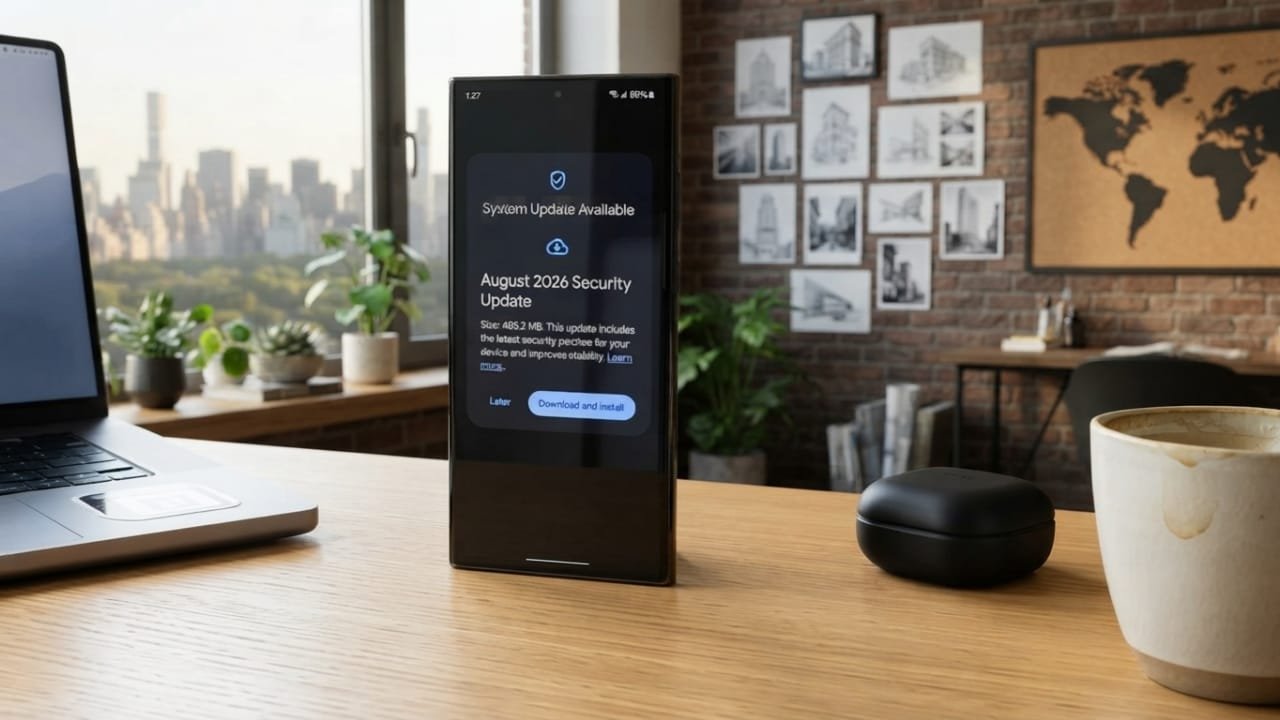
Samsung has released details about its August 2026 security update for Galaxy smartphones and tablets. The update focuses on fixing known security problems rather than adding major new features.
According to Samsung, the release addresses 56 security vulnerabilities found across Android and Samsung’s own software. The fixes apply to different parts of the system and may vary depending on the Galaxy model, country, and carrier.
Advertisements
Also read: Google Releases August 2026 Pixel Update With Performance, Touchscreen, and Security Improvements
56 Security Vulnerabilities Addressed
The August security release includes fixes from both Google and Samsung.
The Android portion contains 38 security fixes, including several vulnerabilities rated as critical. Other issues are classified as high-severity or fall into lower-risk categories.
Samsung has also included additional patches for problems discovered within its own software and system components.
Samsung-Specific Security Fixes
In addition to Google’s Android security patches, Samsung has fixed 18 vulnerabilities related to its own software and components.
These fixes cover different areas of Galaxy devices, including:
- Samsung applications
- System services
- Clipboard-related functions
- Media and codec components
- Cellular radio components
- Other Samsung system software
The exact fixes available on a particular device can depend on its model and software version.
Which Galaxy Devices Are Included?
The August 2026 security release can apply to supported Galaxy devices running different Android versions, including Android 14, Android 15, and Android 16.
However, Samsung does not release every update to all devices at the same time. Availability can depend on factors such as the specific phone or tablet model, region, and mobile carrier.
Because of this staged rollout, some Galaxy users may receive the update earlier than others.
Why Should You Install the Security Update?
Security updates may not change the appearance of your phone or introduce noticeable features, but they still play an important role.
Modern smartphones can store a large amount of personal information, including photos, messages, documents, account details, and other data. Security patches are designed to fix known weaknesses that could potentially be targeted by attackers.
Installing available security updates helps keep your device running with the latest security fixes provided for it.
How to Check for the August 2026 Update
You can check manually for the latest software update on your Galaxy device:
- Open Settings.
- Tap Software update.
- Select Download and install.
- Wait while your phone checks for available updates.
- If an update appears, follow the instructions shown on the screen.
If you don’t see the August update yet, there is no need to assume that your device has been excluded. Samsung’s updates are released at different times depending on the device, market, and carrier.
Does the August Update Add New Features?
The August 2026 release is mainly a security update, not a major One UI feature upgrade.
As a result, you should not expect a large collection of new features after installing it. Depending on the device and firmware version, there may be general system improvements, but the primary purpose of this release is to address security vulnerabilities.
Also read: How to Turn On Theft Protection Features on Your Android Phone
Final Thoughts
Samsung’s August 2026 security update brings fixes for 56 reported vulnerabilities, combining Android security patches with fixes for Samsung-specific software issues.
The release includes 38 Google security fixes and 18 Samsung-specific fixes. Eligible Galaxy phones and tablets may receive the update at different times based on their model, region, and carrier.
If the update is available on your Galaxy device, installing it can help ensure that your phone is running with the latest security protections provided for your device.

I am a passionate Tech Writer with strong industry experience. I enjoy exploring the latest technological innovations and sharing clear, helpful insights with my audience.”
Advertisements