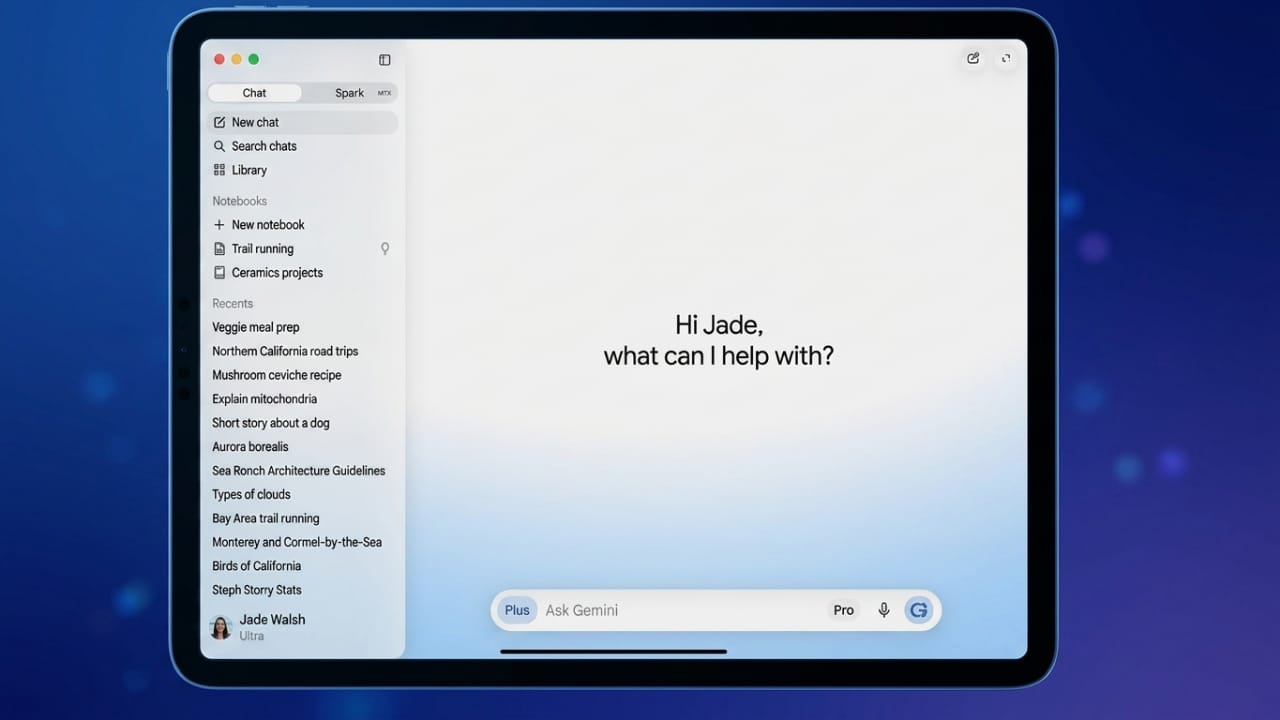
Google has introduced the beta version of Gemini Spark for macOS, giving Mac users access to a more capable AI assistant that can automate routine desktop tasks. First revealed during Google I/O 2026, Gemini Spark is built to work across files, apps, and connected services, helping users complete everyday work with less manual effort.
The update also adds several new features, including desktop automation, support for more third-party apps, customizable workflows, and intelligent monitoring tools.
Advertisements
Also read: WhatsApp Username Feature in India: Privacy Update Faces Government Review
AI That Helps With Daily Desktop Work
Gemini Spark is designed to do more than answer questions. It can carry out multiple actions across different applications, making common tasks faster and easier.
For example, you can ask it to sort PDF files from your Downloads folder into separate folders based on their content. It can also create a budget spreadsheet by using invoice files stored on your Mac and keep that spreadsheet updated through Google Workspace services.
According to Google, Gemini Spark only works with files that users choose to share, giving them control over what information the assistant can access.
Remote Task Support Is on the Way
Google has confirmed that remote task execution is another feature planned for Gemini Spark.
Once available, users will be able to start workflows from their smartphones even when they are away from their Mac. For example, you could ask Gemini Spark to find a report saved on your computer, pull out specific details, and send the information by email automatically without needing to sit at your desk.
More Third-Party App Integrations
Gemini Spark is expanding its compatibility with both Google services and external platforms to improve productivity.
New supported services include:
- Google Keep
- Google Tasks
- Canva
- Dropbox
- Instacart
- OpenTable
- Zillow Rentals
These integrations make it easier to turn notes into tasks, work with connected services, and manage daily activities from one assistant. Google says these integrations are rolling out first on the web and mobile versions, while macOS support will follow in the coming weeks.
Custom Workflows With MCP Support
The update also introduces support for the Model Context Protocol (MCP).
This allows developers and advanced users to connect compatible applications directly with Gemini Spark, creating personalized workflows that extend beyond Google’s own services. As a result, users can build more flexible automation based on their specific needs.
Proactive Monitoring for Important Updates
Another useful addition is proactive monitoring.
Users can set conditions for the assistant to watch different types of information. Instead of checking manually, Gemini Spark can notify them when something important happens.
It can monitor areas such as:
- News updates
- Financial markets
- Weather forecasts
- Sports scores
- Shopping offers
- Social media activity
- Email notifications
- Blogs
Notifications are sent automatically when the selected conditions are met.
Availability
Gemini Spark for macOS is currently offered as a beta release for Google AI Ultra subscribers who are at least 18 years old and located in the United States. Google has not yet shared a timeline for expanding availability to other countries or subscription tiers.
Also read: How to Fix Yahoo Mail Login Problems: Simple Ways to Get Back Into Your Account
Conclusion
Gemini Spark brings more advanced AI-powered automation to macOS, allowing users to simplify repetitive desktop tasks and improve their workflow. With support for connected apps, customizable automation, and upcoming remote task execution, the assistant is evolving into a practical productivity tool rather than just a conversational AI.
As Google continues to expand its features and integrations, Gemini Spark has the potential to become an even more useful assistant for Mac users who want to save time and streamline their daily work.

I am a passionate Tech Writer with strong industry experience. I enjoy exploring the latest technological innovations and sharing clear, helpful insights with my audience.”
Advertisements