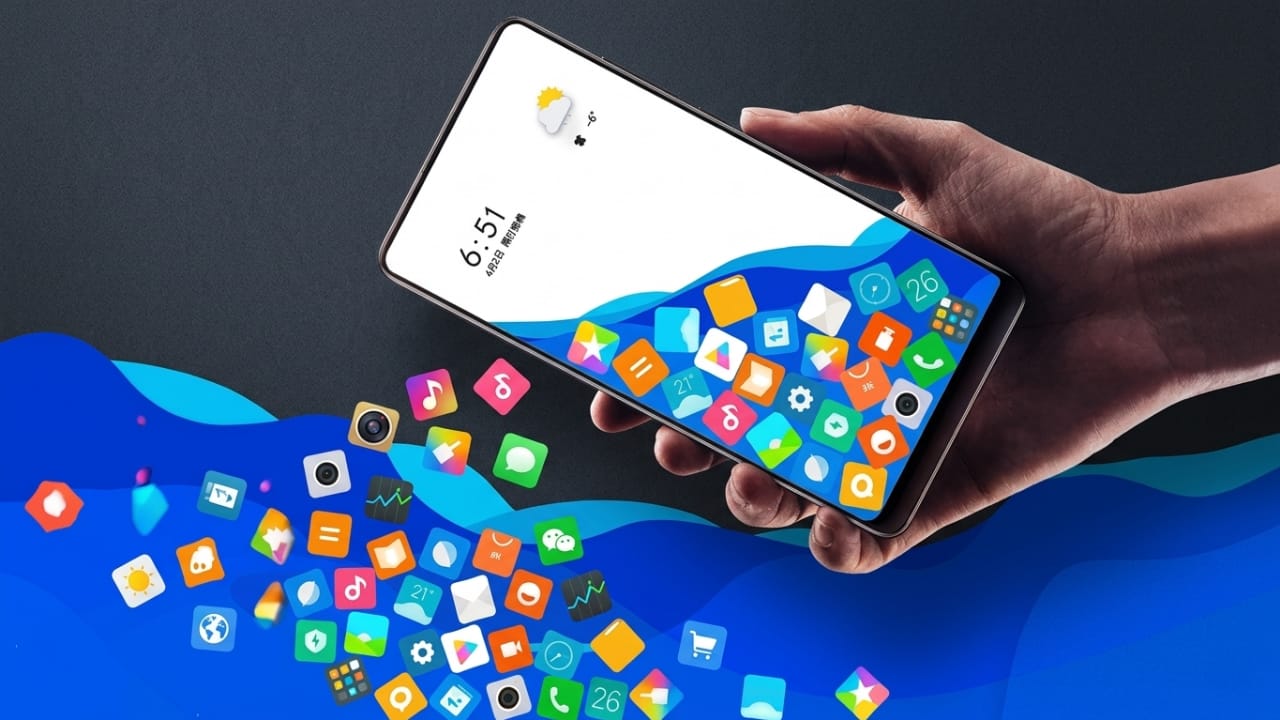
If you enjoy customizing your smartphone and giving it a unique look, the Rolling Icon app is an interesting option to explore. This app adds a fun animation effect to your phone by making app icons and photos move around the screen based on how you tilt or rotate your device.
Instead of displaying static icons, the app creates a dynamic experience where icons react to your phone’s movement, making your home screen look more interactive and entertaining.
Advertisements
Also read: Zipper Lock Screen: Give Your Android Phone a Fresh and Stylish Look
What Is the Rolling Icon App?
Rolling Icon is a personalization app designed to add motion effects to your smartphone’s home screen. Once enabled, app icons and selected images can move around the screen according to your phone’s motion sensors.
When you tilt your device left, right, up, or down, the icons respond and shift in the same direction. This creates a gravity-like effect that makes the home screen feel lively and different from the standard layout found on most phones.
How Does It Work?
The app uses your smartphone’s motion sensors to detect movement. As you move the device, the icons and images react naturally, creating the appearance that they are rolling or sliding across the screen.
The effect is purely visual and is designed to make your phone’s interface more fun and engaging. It can be a creative way to personalize your device and impress friends with a unique home screen style.
Main Features of Rolling Icon
1. Gravity-Based Animation
One of the app’s most popular features is its gravity effect. Icons and selected photos move according to the direction in which the phone is tilted, creating a playful animation on the screen.
2. Multiple Customization Options
The app allows users to personalize the experience in several ways. You can:
- Apply motion effects to app icons.
- Use photos from your gallery.
- Change the background appearance.
- Adjust icon sizes.
- Control the speed of icon movement.
These settings help you create a home screen that matches your personal style.
3. Creative Icon Appearance
The app offers options that can refresh the look of your home screen. By changing how icons appear and move, your phone can feel more unique without requiring major modifications.
4. Optimized Performance
Many customization apps can affect battery life or device performance. Rolling Icon is designed to work efficiently, helping reduce unnecessary battery usage while still providing smooth animations.
Actual performance may vary depending on your device model and settings.
5. Easy-to-Use Interface
The app is beginner-friendly and simple to navigate. Most settings can be adjusted with just a few taps, making it suitable for users who want customization without complicated setup steps.
User Experience
Many users enjoy the visual effect created by the moving icons. The animated home screen often attracts attention because it looks different from the standard smartphone layout.
The app can make your device feel more personalized and creative. If you enjoy experimenting with themes, wallpapers, and visual effects, Rolling Icon offers another way to customize your smartphone experience.
Why Try Rolling Icon?
Fun and Interactive
The moving icons create a playful effect that makes using your phone more enjoyable.
Personalized Home Screen
You can customize the appearance and movement of icons to create a style that feels unique to you.
Simple Setup
The app is easy to install and use, making it accessible even for users with little experience in phone customization.

Also read: Apple Could Introduce Paid AI Features for Siri in the Future
Final Thoughts
Rolling Icon is a fun customization app that brings motion and creativity to your smartphone’s home screen. By adding gravity-based animations to app icons and photos, it creates a unique visual experience that stands out from traditional static layouts.
If you enjoy personalizing your device and trying new home screen effects, this app may be worth exploring. With its easy controls and customization options, it offers a simple way to give your phone a fresh and interactive look.

I am a passionate Tech Writer with strong industry experience. I enjoy exploring the latest technological innovations and sharing clear, helpful insights with my audience.”
Advertisements