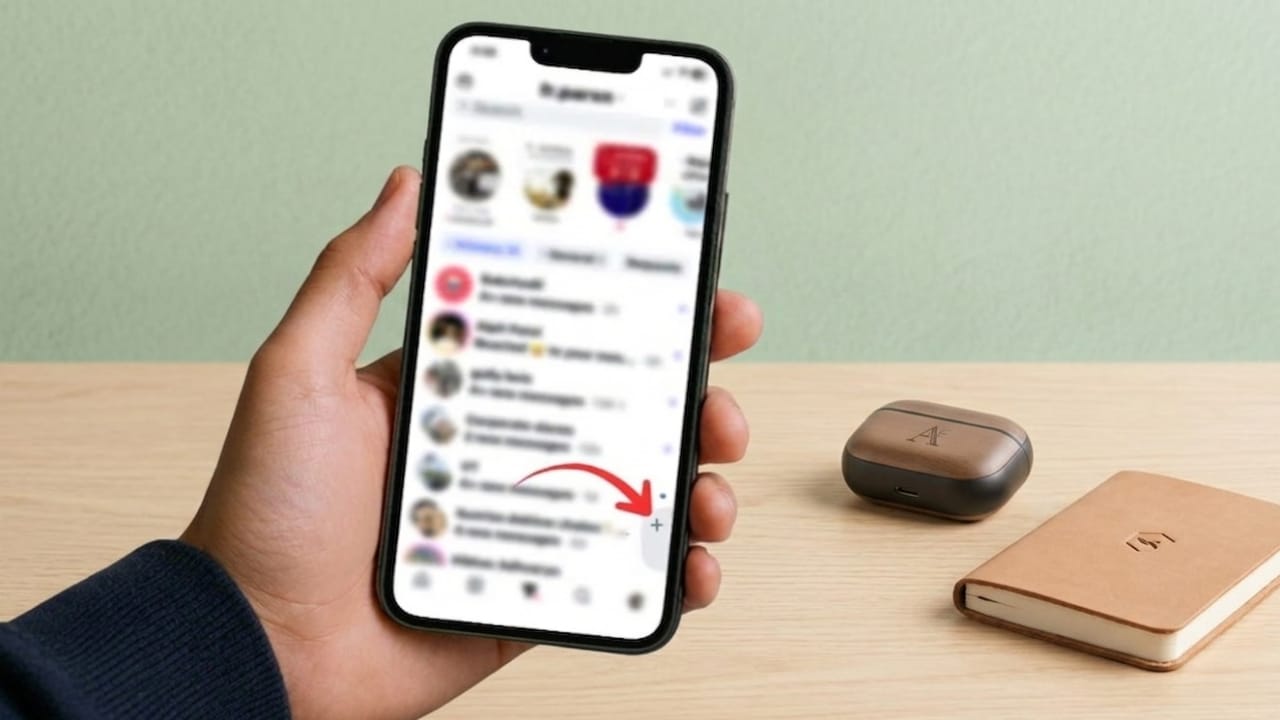
Instagram keeps adding new features to make messaging more interactive. One of its newer additions is Instants, a tool that lets users send quick disappearing photos through direct messages. While some people may enjoy fast photo sharing, others may find it unnecessary if they mainly use Instagram for regular chats.
If your DM section feels crowded, hiding Instants can help create a cleaner and simpler inbox experience. Here’s what Instagram Instants are, how they work, and how to remove them from your messaging view.
Advertisements
Also read: Apple May Introduce AI Agents to the App Store as Siri Expansion Raises Developer Concerns
What Are Instagram Instants?
Instagram Instants is a private photo-sharing feature built into the messaging section of the app. It allows users to take quick photos and send them directly to friends without posting them on their profile, feed, or Stories.
The feature focuses on fast, real-time sharing. Photos sent through Instants are temporary and disappear after they are viewed or after a limited time, depending on Instagram’s settings.
A few key things about Instants:
- Works inside Instagram DMs
- Uses Instagram’s built-in camera
- Does not allow selecting old photos from your gallery
- Supports replies and reactions
- Can be shared with close connections such as Close Friends or mutual followers
The purpose is to make private conversations feel more natural and quick, especially for casual moments.
Why Some Users Want to Hide Instants
Instagram’s inbox already includes several features like Notes, message requests, and other communication tools. For users who mainly depend on DMs for personal chats, work discussions, or creator communication, extra sections may make the inbox feel busier.
Instants may not be useful for everyone because:
- It adds another visible section inside DMs
- It can distract from normal conversations
- Some users prefer a simple messaging layout
- Not everyone uses disappearing photo features regularly
If you rarely send temporary photos, hiding Instants may help make the inbox easier to manage.
How to Hide Instants in Instagram DMs
Instagram includes a setting that lets users remove the Instants section from the inbox.
Follow these steps:
- Open Instagram and go to your Profile.
- Tap the menu icon (three lines) in the top-right corner.
- Scroll down and open Content Preferences.
- Find the option Hide Instants in Inbox.
- Turn the toggle on.
After enabling this setting, the Instants area should no longer appear in your messaging tab.
Does Hiding Instants Affect Messages?
No. Turning off Instants only removes its visual section from the inbox. It does not change how normal messaging works.
You can still use:
- Regular DMs
- Message requests
- Chat history
- Media sharing
- Voice and video calls
- Reactions and replies
- Stories and Close Friends features
This means you can continue using Instagram normally without losing important messaging features.
Why the Option May Not Appear Yet
If you cannot find the Hide Instants in Inbox setting, it may not be available on your account yet.
Instagram often releases features gradually, so some users may receive settings earlier than others.
You can try:
- Updating Instagram to the latest version
- Restarting the app
- Logging out and logging back in
- Checking again after a few days
Feature rollouts can depend on region, app version, or account availability.
Should You Hide Instagram Instants?
That depends on how you use Instagram.
If you often send quick disappearing photos to friends, Instants may be useful. It can make casual communication faster and more interactive.
If you mainly use Instagram for text conversations, work chats, or a cleaner messaging setup, hiding Instants may be a better option. It reduces extra clutter without affecting your normal activity.
Also read: Instagram Account Suspended or Disabled? Here’s How to Recover It Safely
Final Thoughts
Instagram Instants is designed for quick and temporary photo sharing inside DMs. For users who enjoy real-time private photo updates, it may be a useful feature. But if your inbox already feels crowded, removing it can make navigation simpler and cleaner.
A small settings change can help keep your Instagram messages focused on what matters most—your conversations.

I am a passionate Tech Writer with strong industry experience. I enjoy exploring the latest technological innovations and sharing clear, helpful insights with my audience.”
Advertisements