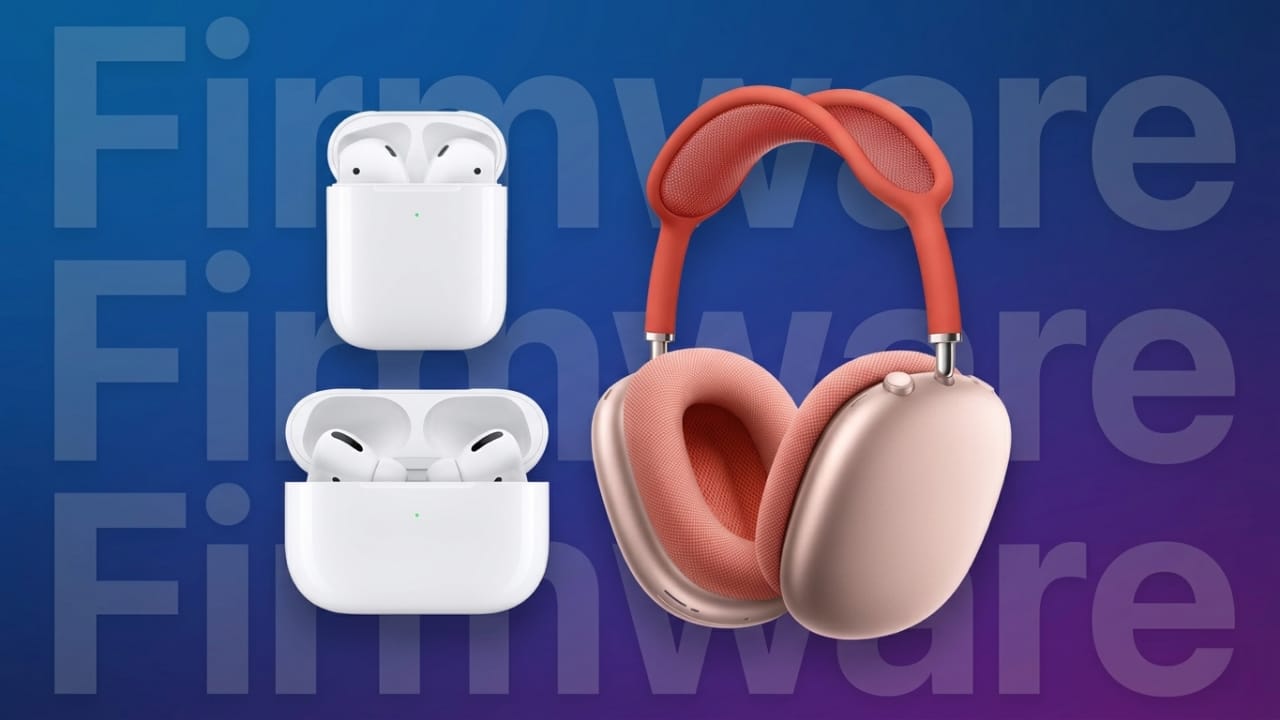
Keeping your AirPods updated is important if you want the best sound quality, smoother connectivity, and access to new features. Apple regularly releases firmware updates for different AirPods models to improve performance, fix bugs, and add useful enhancements.
The good thing is that firmware updates usually happen automatically in the background. Still, it’s helpful to know how the process works and how to confirm whether your AirPods are running the latest version.
Advertisements
Also read: Google May Introduce Ads in Gemini AI to Support Its Growing Platform
How AirPods Firmware Updates Work
Apple sends AirPods firmware updates over the air. In most cases, you do not need to press any update button manually. The update installs automatically when:
- Your AirPods are charging
- Bluetooth is enabled
- Your iPhone, iPad, or Mac is nearby
- The connected device has an internet connection
If your AirPods are not updating automatically, you can try a few simple steps to encourage the update process.
How to Update AirPods or AirPods Pro
Follow these steps to help your AirPods install the latest firmware update:
- Put your AirPods inside the charging case.
- Connect the case to power using a charging cable or wireless charger.
- Make sure your iPhone, iPad, or Mac is connected to Wi-Fi.
- Confirm that Bluetooth is turned on.
- Ensure your device battery is above 50%.
- Turn off Low Power Mode if it is enabled.
- Keep the AirPods close to your device with the case lid closed.
After waiting around 10 to 15 minutes, the firmware update should install automatically in the background.
There is currently no official manual “Update” button for AirPods firmware.
Important: AirPods firmware updates require an Apple device. You cannot update AirPods using Android devices alone.
How to Update AirPods Max
The process for updating AirPods Max is slightly different because they do not use a charging case.
Steps to update AirPods Max:
- Make sure your paired iPhone, iPad, or Mac has Bluetooth and Wi-Fi enabled.
- Ensure the device battery level is at least 50%.
- Connect your AirPods Max to a charger.
- Keep the headphones near the connected Apple device.
- Wait around 30 minutes for the update to complete.
Once finished, you can check the firmware version to confirm the update was installed.
How to Check AirPods Firmware Version
You can quickly see the current firmware version from your Apple device settings.
Check Firmware on iPhone or iPad
- Open Settings
- Tap Bluetooth
- Find your AirPods in the list
- Tap the (i) information icon
- Scroll to the About section
- View the firmware version number
Before checking, it’s a good idea to keep your iPhone or iPad updated to the latest iOS or iPadOS version.
Check Firmware on Mac
- Click the Apple menu
- Open System Settings
- Select Bluetooth
- Find your AirPods
- Click the information icon next to them
- Check the firmware version displayed on screen
Updating your Mac to the latest macOS version can also help improve compatibility.
Latest AirPods Firmware Versions
Apple releases firmware updates for better audio quality, improved battery management, stronger connectivity, and new software features.
Recent updates have introduced improvements such as:
- Better voice recording quality
- Improved call audio
- Enhanced noise isolation
- Sleep detection
- Charging reminders
- Audio switching controls
- Support for new iOS and macOS features
Here are the latest firmware versions currently available:
| AirPods Model | Firmware Version |
|---|---|
| AirPods Pro (3rd generation) | 8B40 |
| AirPods Pro (2nd generation) | 8B39 |
| AirPods Pro (1st generation) | 6F21 |
| AirPods 4 with ANC | 8B39 |
| AirPods 4 | 8B39 |
| AirPods (2nd & 3rd generation) | 6F21 |
| AirPods Max 2 | 8E258 |
| AirPods Max (USB-C) | 7E108 |
| AirPods Max (Lightning) | 6F25 |
| AirPods (1st generation) | 6.8.8 |
For the most accurate and up-to-date firmware details, you can also check Apple’s official support website.
Also read: Google Experiments With a New Animated Design for Gemini on iOS
Final Thoughts
Updating your AirPods helps keep them running smoothly and unlocks the newest features Apple releases over time. Since updates happen automatically, most users never need to do anything manually. However, knowing how to check the firmware version and encourage an update can be useful when troubleshooting or waiting for a new feature.
If your AirPods are charging, connected, and near your Apple device, the update process is usually simple and automatic.

I am a passionate Tech Writer with strong industry experience. I enjoy exploring the latest technological innovations and sharing clear, helpful insights with my audience.”
Advertisements