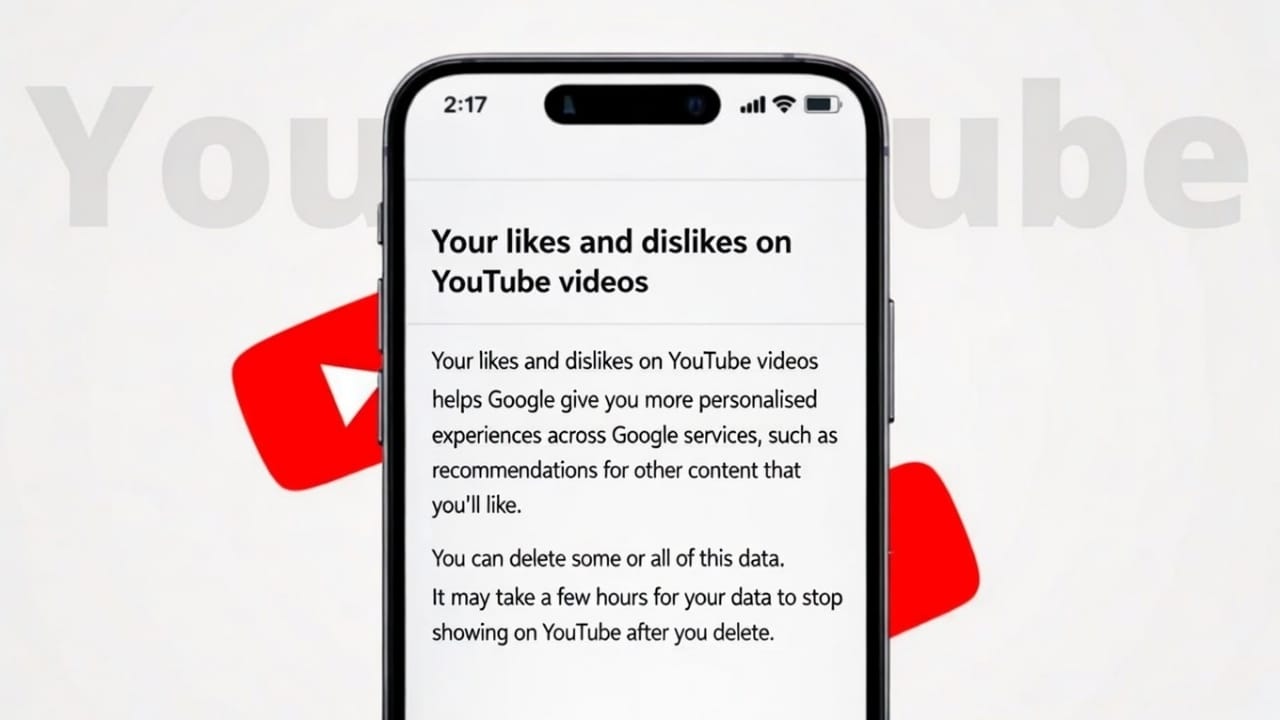
Most of us tap the Like button on YouTube without thinking much about it. Later, when we want to watch those videos again, they seem hard to find because new content keeps replacing the old one. Thankfully, YouTube keeps a proper record of every video you like, all stored in one place.
Below are three simple and reliable ways to view your liked YouTube videos on both mobile phones and computers.
Advertisements
Also read: How to Enable or Disable YouTube Dark Mode – Simple Step-by-Step Guide
Method 1: Open Liked Videos from the YouTube Library
This is the direct and official way to see all your liked content.
On Mobile (Android or iPhone)
- Open the YouTube app
- Tap Library at the bottom of the screen
- Select Liked videos
- You will see all the videos you have liked using your account
On PC (Web Browser)
- Visit youtube.com
- Log in to your account
- Click Library from the left menu
- Open Liked videos
This list updates automatically whenever you like a new video.
Method 2: Check Your Watch History
If you liked a video recently but can’t remember its name, your viewing history can be helpful.
Steps
- Open YouTube
- Go to History
- Make sure Watch history is selected
Liked videos often appear here along with other videos you watched. This option works best when you remember roughly when you watched the video but not its title.
Method 3: Search Within Your Liked Videos
If you have a long list of liked videos, searching inside the playlist can save time.
Why This Is Useful
- Helpful for large collections of liked videos
- Quick when you remember a word from the title or channel name
Steps (Best on PC)
- Open Liked videos from the Library
- Use your browser’s search feature (Ctrl + F or Cmd + F)
- Enter a keyword related to the video
This works as long as the video title or channel is still visible.
Things You Should Keep in Mind
- Liked videos are private by default
- Privacy settings can be changed anytime
- Deleted or removed videos may no longer show
- If you unlike a video, it disappears from the list
Also read: 3 Simple Ways to Check How Much Time You Spend on YouTube
Final Words
Your liked YouTube videos stay saved as long as you use the same account. Whether you are on a mobile phone or a computer, YouTube offers easy ways to access them anytime.
If you often like videos to watch later, checking your liked videos section can help you quickly find content you enjoyed without searching again.

I am a passionate Tech Writer with strong industry experience. I enjoy exploring the latest technological innovations and sharing clear, helpful insights with my audience.”
Advertisements