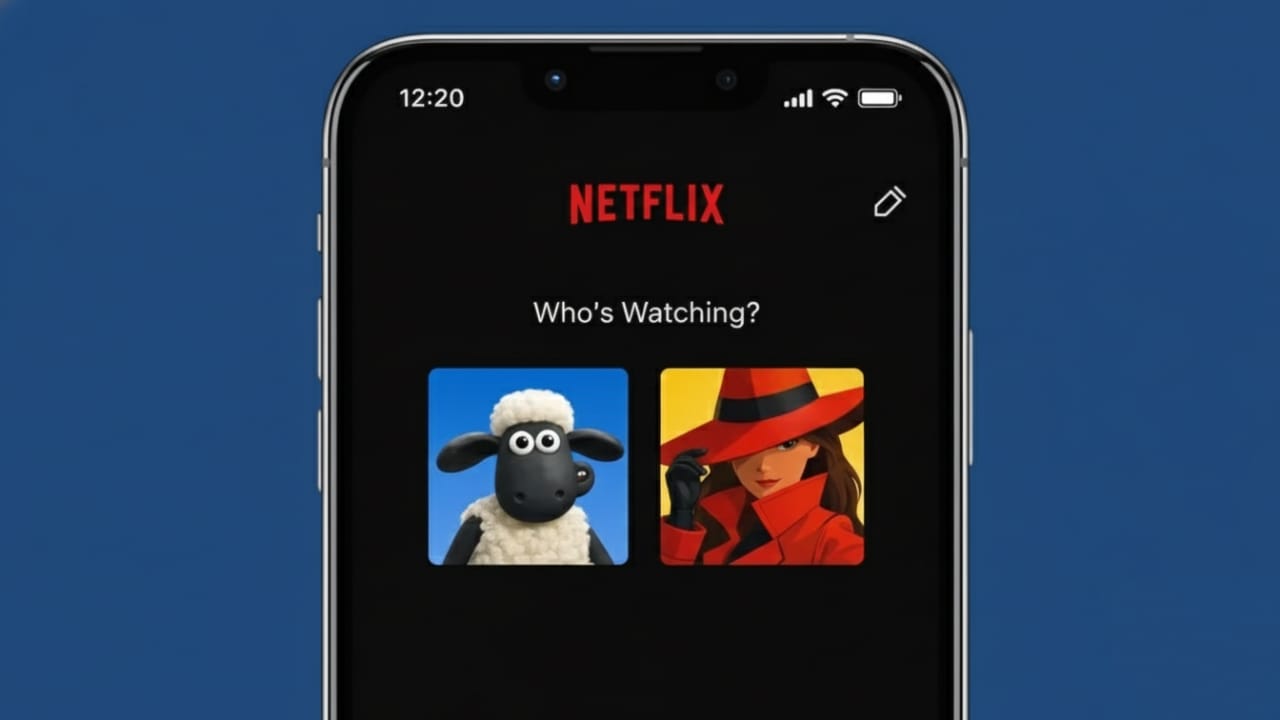
Netflix allows you to create different profiles for each person using the same account. This helps everyone get their own watch list and content suggestions. Every profile also has an avatar, which makes it easy to recognize whose profile it is. Many users like to change this picture to something that feels more personal.
This article explains how Netflix profile pictures work, how you can change them, and what limits you should be aware of.
Advertisements
Also read: How to Unsubscribe From All YouTube Channels (What’s Actually Possible)
Can You Add Your Own Photo to a Netflix Profile?
Let’s clear this up first.
Netflix does not give users the option to upload their own photos as profile pictures. You can only select from the avatars that Netflix provides. These images usually feature characters from Netflix series, movies, or simple graphic icons created by Netflix.
If any website or app says it can upload a custom photo to Netflix, it is not using an official or safe method.
How to Change Your Netflix Profile Picture
You can update your profile avatar using either the Netflix app or a web browser. The process is quick and simple.
Change Profile Picture Using the Netflix App
Follow these steps on Android or iPhone:
- Open the Netflix app
- Tap My Netflix or your profile icon
- Select Manage Profiles
- Choose the profile you want to edit
- Tap the profile picture
- Pick a new avatar from the list
- Tap Save
Your new profile picture appears immediately.
Change Profile Picture on the Netflix Website
You can also do this through a browser:
- Open Netflix and sign in
- Move your cursor over the profile icon
- Click Manage Profiles
- Select the profile
- Click on the current profile picture
- Choose a new avatar
- Save the changes
This method works on both desktop and mobile browsers.
What Kind of Avatars Does Netflix Offer?
Netflix updates its avatar collection regularly. You can find options such as:
- Characters from popular Netflix shows
- Movie characters
- Cartoon-style images
- Simple graphic icons
Some avatars are only available for a limited time, especially when a new show or movie is released.
Why Netflix Does Not Allow Custom Images
Netflix restricts profile pictures for a few important reasons:
- To keep the design consistent on all devices
- To avoid inappropriate or unsafe images
- To ensure fast loading and smooth performance
- To follow content safety and moderation rules
These rules help keep the platform safe and easy to use for everyone.
Profile Picture Not Updating? Try This
If your new avatar does not show up right away, try the following:
- Refresh the app or page
- Log out and log back in
- Clear the app cache
- Update the Netflix app
- Wait a few minutes for syncing
In most cases, the update appears quickly.
Do Kids Profiles Have Different Avatars?
Yes. Kids profiles can only use Netflix-approved, child-friendly avatars. These usually include animated characters and cartoons suitable for younger viewers.
Also read: How to Save, Find, and Remove Drafts on Instagram
Final Words
Netflix does not allow users to upload personal photos as profile pictures, but changing your avatar is still simple and safe. With many official characters and designs available, you can easily personalize your profile without risking your account. Always stick to Netflix’s built-in options to avoid problems or restrictions.

I am a passionate Tech Writer with strong industry experience. I enjoy exploring the latest technological innovations and sharing clear, helpful insights with my audience.”
Advertisements