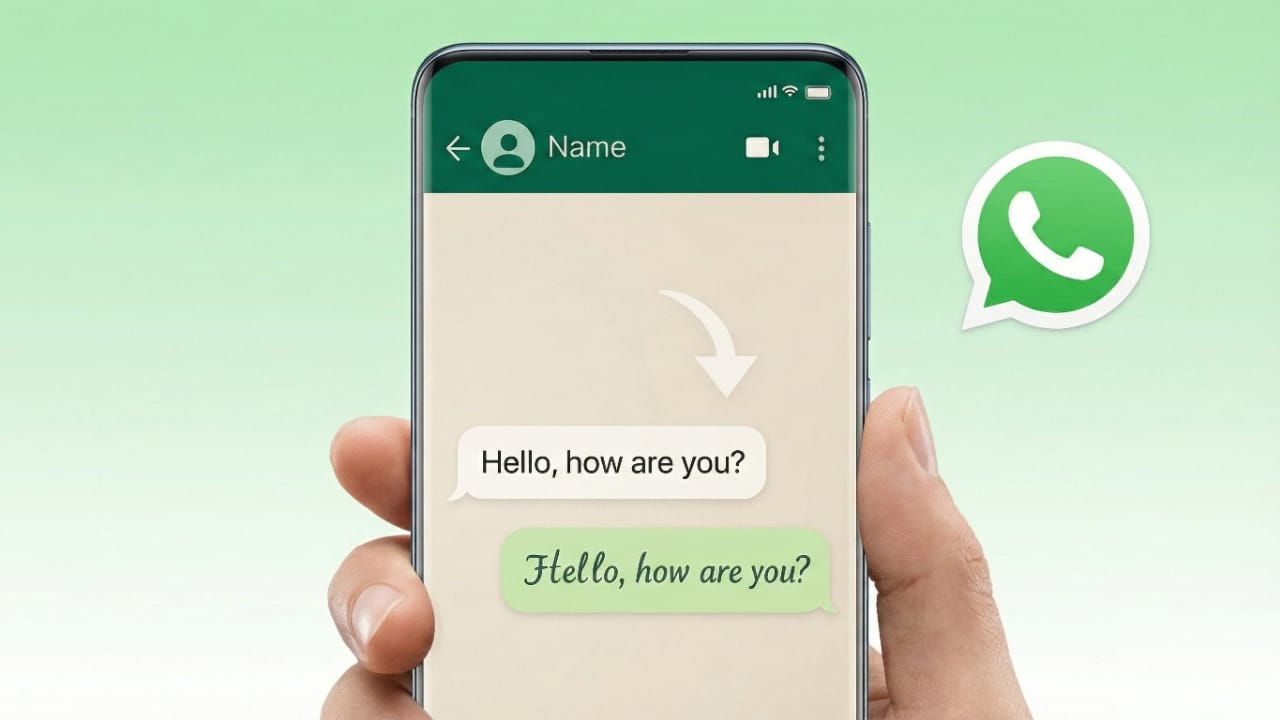
Many WhatsApp users want their messages to stand out with different font styles. However, WhatsApp does not offer a setting to permanently change the typing font. Even so, there are a few easy and safe ways to format your text or create stylish messages while chatting.
In this guide, you’ll learn all the reliable methods to change how your text looks on WhatsApp—using both built-in features and external tools—without breaking any rules or risking your account.
Also read: How to Watch Instagram Reels While Talking on WhatsApp
Does WhatsApp Allow Font Style Changes?
WhatsApp uses a fixed system font that cannot be replaced inside the app. But it does include official text formatting options such as bold, italic, strikethrough, and monospace. These features are built into WhatsApp and are completely safe to use.
If you want more decorative or stylish fonts, you can use font generator tools or special keyboards. These do not change WhatsApp itself. They only create text styles that WhatsApp can display.
Method 1: Change Font Style on WhatsApp Without Installing Any App
This is the easiest and safest method. It uses WhatsApp’s own formatting shortcuts.
1. Make Text Bold
Add an asterisk (*) before and after your message.
Example:*Hello WhatsApp*
Result: Hello WhatsApp
2. Make Text Italic
Place an underscore (_) at the start and end of the text.
Example:_Hello WhatsApp_
Result: Hello WhatsApp
3. Use Strikethrough
Put a tilde (~) before and after the text.
Example:~Hello WhatsApp~
Result: Hello WhatsApp
4. Use Monospace Font
Add three backticks (“`) on both sides of the message.
Example:Hello WhatsApp
Result: Hello WhatsApp
These formatting tricks work on Android, iPhone, WhatsApp Web, and desktop versions.
Method 2: Change WhatsApp Font Style Using Font Generator Tools
If you want fancy fonts, symbols, or decorative text, WhatsApp does not provide this option directly. In this case, font generator apps or websites can help.
How These Tools Work
- You type your message into the tool
- It converts the text into a stylish font
- You copy the converted text
- You paste it into your WhatsApp chat
These tools generate Unicode text, which WhatsApp supports. They do not change the app or interfere with your account.
Also read: How to Block or Unblock Someone on WhatsApp
Method 3: Use Stylish Keyboard Apps (Android Only)
Some Android keyboard apps allow you to type in different font styles directly while chatting.
Important Things to Remember
- These apps replace your default keyboard
- Download only well-known and trusted keyboards
- Review app permissions carefully
- Avoid keyboards that ask for unnecessary access
This method is optional and should be used with caution.
Is It Safe to Change Font Style on WhatsApp?
Yes, WhatsApp’s built-in formatting options are completely safe.
Font generator tools are usually safe if:
- They only convert text
- They do not ask for WhatsApp login details
- They do not request access to your chats
Never use apps that claim to “hack WhatsApp” or “unlock secret features.” Such apps are risky and should be avoided.
Things to Know Before Using Stylish Fonts
- Font styles work because WhatsApp supports Unicode characters
- Some fonts may not display properly on older devices
- Too many fancy fonts can make messages hard to read
- Simple formatting often looks cleaner and more professional
Also read: How to Share Your WhatsApp QR Code – Easy Step-by-Step Guide
Final Words
You can’t permanently change WhatsApp’s default font, but you still have good options to style your messages. For everyday use, WhatsApp’s built-in bold, italic, and monospace features are more than enough. If you want decorative text, font generator tools are a safe choice when used wisely.
Pick the method that fits your style and keep your messages clear, readable, and secure.

I am a passionate Tech Writer with strong industry experience. I enjoy exploring the latest technological innovations and sharing clear, helpful insights with my audience.”