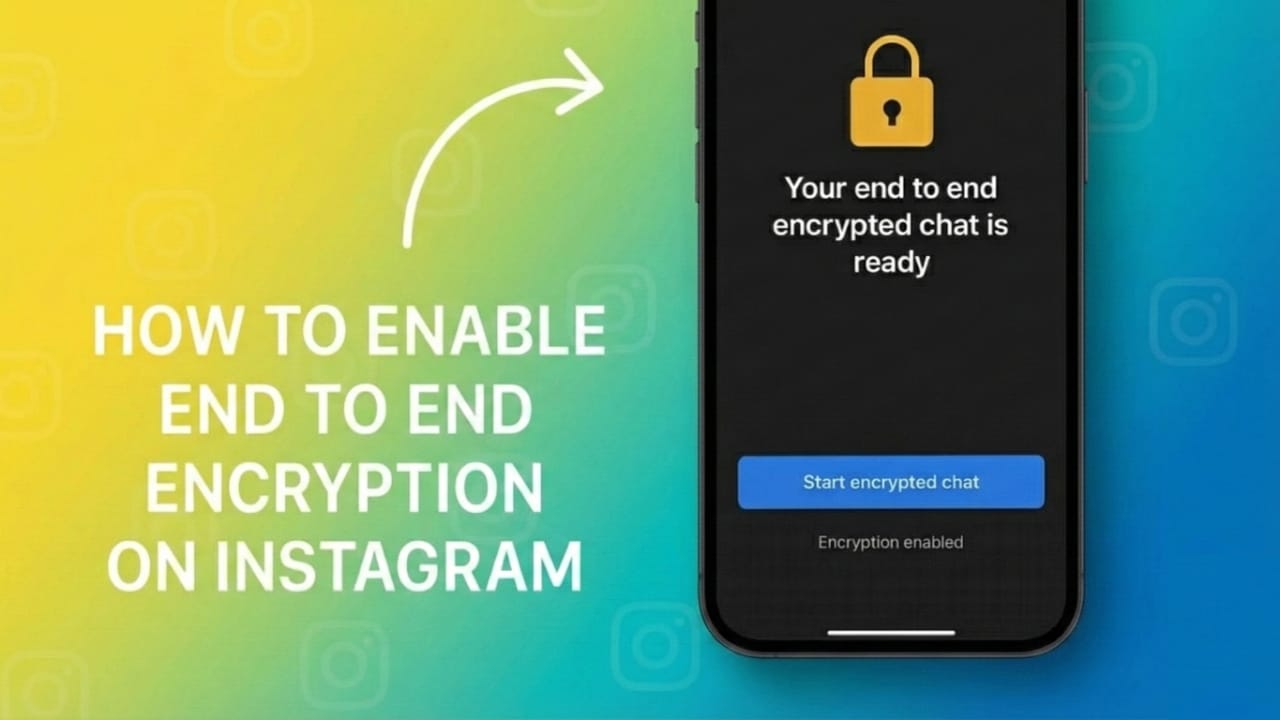
If you use Instagram to chat with friends or share personal information, keeping those conversations private is important. Instagram now provides end-to-end encrypted chats for selected users, which means your messages stay between you and the person you’re talking to.
This simple guide explains what this feature means and how you can enable it when it becomes available on your account.
Also read: How to Reset Your Instagram Feed – A Clean & Easy Guide
1. What Is End-to-End Encryption?
End-to-end encryption is a security system that locks your messages so that only you and the person receiving them can read what’s inside.
When this protection is active, your chats stay safe from:
- Hackers
- People connected to the same Wi-Fi network
- Instagram employees
- Any outside parties
In short, it adds a strong privacy layer to keep your conversations personal.
2. Is Encrypted Chat Available for All Users?
Instagram is releasing this feature slowly.
Some users already have access, while others will get it over time.
To check if it’s available for you:
- Make sure your Instagram app is updated
- Open a chat that supports the feature
- Confirm both you and the other person are using the latest app version
If you still don’t see the option, it simply means Instagram hasn’t enabled it for your account or region yet.
3. How to Enable End-to-End Encryption on Instagram
If your account supports encrypted chats, you can activate it in a few easy steps:
- Open the Instagram app
- Go to your Direct Messages
- Select the chat you want to protect
- Tap the person’s name at the top
- Look for “Start end-to-end encrypted chat” or “Start secret chat”
- Tap to turn it on
Once enabled, the chat becomes a secure conversation where all new messages are protected.
4. What If the Option Doesn’t Appear?
If you can’t find the encryption setting, try these simple checks:
- Update your Instagram app
- Close and reopen the app
- Try checking another chat
- Wait for Instagram to roll out the feature in your area
Until the option arrives, avoid sending anything extremely private through regular chats.
5. Tips to Improve Your Instagram Chat Privacy
Even without encryption, you can strengthen your privacy with a few basic habits:
- Disable message previews on your lock screen
- Avoid opening messages from unknown accounts
- Turn on two-factor authentication
- Never share passwords or sensitive details in chats
- Always log out from devices you don’t own
Good digital habits plus encryption provide solid protection for your conversations.
Also read: How to Move WhatsApp and Telegram Chats From One Android Phone to Another Without Losing Media
Final Thoughts
End-to-end encryption is a useful feature for anyone who wants safer and more private chats on Instagram. If you already have access, activate it for important conversations. If not, keep your app updated and follow smart privacy practices while you wait.

I am a passionate Tech Writer with strong industry experience. I enjoy exploring the latest technological innovations and sharing clear, helpful insights with my audience.”