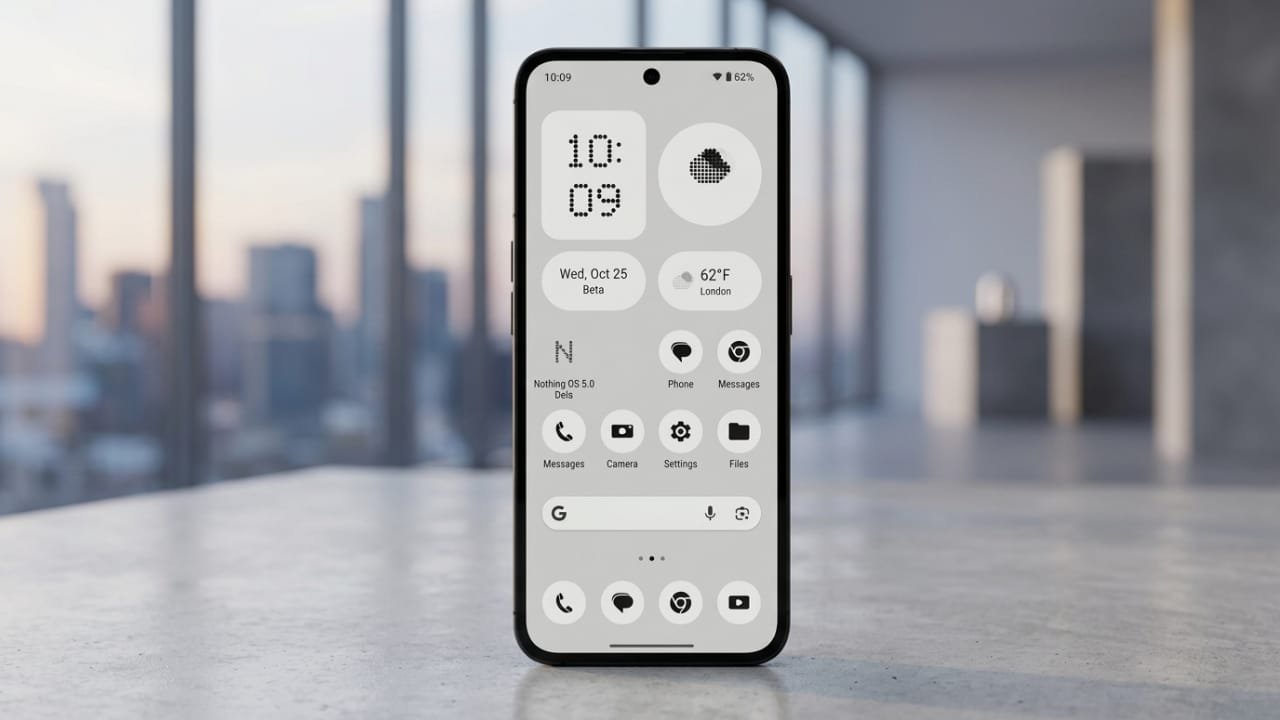
Nothing is getting ready to release Nothing OS 5.0, its next major software update for compatible smartphones. The rollout is expected to begin on August 25, bringing a smoother experience, better performance, and several useful improvements without changing the clean look that Nothing users enjoy.
The update is designed to improve daily usability while keeping the simple and minimal interface that has become a key part of the Nothing brand.
Advertisements
Also read: How to Stop Pop-Up Ads on Android: Easy and Effective Solutions
Nothing OS 5.0 Release Date
Nothing is expected to start rolling out Nothing OS 5.0 on August 25.
Like most major software updates, it may not reach every device on the same day. The company is likely to release it in stages, so some users may receive the update earlier than others. Availability can also differ depending on your device model and region.
What Is Nothing OS 5.0?
Nothing OS 5.0 is the latest version of Nothing’s Android-based operating system. It aims to improve the overall smartphone experience by refining the interface, boosting system performance, and adding more customization features.
Instead of making dramatic design changes, the update focuses on making the software faster, smoother, and easier to use in everyday situations.
Expected Features in Nothing OS 5.0
Although Nothing has not officially revealed every feature, several improvements are expected with the new update.
Cleaner User Interface
Users may notice a refreshed design with smoother animations, updated icons, improved widgets, and better-organized system menus. The minimalist appearance is expected to remain, but with a more polished and consistent feel throughout the system.
Better Performance
Nothing OS 5.0 is expected to include system optimizations that improve overall speed and responsiveness. These enhancements may include:
- Faster app opening times
- Smoother animations
- Improved multitasking
- Better background memory management
- Increased system stability
These changes can help compatible devices feel more responsive during everyday use.
Improved Battery Efficiency
Battery optimization is another area likely to receive attention. The software may manage background apps more efficiently, helping reduce unnecessary power consumption.
Battery performance will still vary depending on the phone model, installed apps, and personal usage habits.
More Personalization Options
Nothing has always offered useful customization features, and the new update may expand them further.
Expected additions include:
- More lock screen customization
- Extra home screen options
- New widgets
- Additional personalization settings
The goal is to provide more flexibility while maintaining Nothing’s unique visual style.
Which Phones May Receive Nothing OS 5.0?
Nothing has not yet released the complete list of supported devices. However, newer smartphones are expected to receive the update first.
Older models may get the update later, depending on the company’s rollout schedule. The official compatibility list should become available once the rollout begins.
How to Check for the Update
After Nothing OS 5.0 becomes available for your device, you can manually check for it by following these steps:
- Open Settings.
- Go to System.
- Tap System Update.
- Check if a new update is available.
- Follow the on-screen instructions to download and install it.
Before updating, make sure your phone has enough storage space and is connected to a stable Wi-Fi network.
Tips Before Installing the Update
Preparing your phone before installing a major software update can help prevent problems.
Back Up Important Files
Save your photos, videos, documents, and other important data to cloud storage or another secure location before updating.
Charge Your Device
Keep your battery sufficiently charged. Connecting the phone to a charger during installation is also recommended.
Free Up Storage Space
Major updates often require additional storage during installation. Removing unnecessary files or unused apps can make the process smoother.
Use a Reliable Internet Connection
Downloading the update over a stable Wi-Fi connection helps reduce interruptions and ensures a faster installation.
Should You Update Right Away?
For most users, installing the latest stable software version is a good choice because it usually includes security improvements, bug fixes, and new features.
However, if you rely on your phone for important work, you may prefer to wait a few days after the rollout begins. This gives early users time to report any unexpected issues that could be fixed in later patches.
Also read: Samsung Galaxy S26 FE Leak Suggests New Colours, Upgraded Hardware, and Android 17
Final Thoughts
Nothing OS 5.0 is expected to be an important update that improves the overall smartphone experience without changing the clean design that Nothing is known for. Users can look forward to smoother performance, better battery optimization, a refreshed interface, and additional customization options.
As the rollout begins, Nothing is expected to confirm the complete list of supported devices and provide more details about the new features included in the update.

I am a passionate Tech Writer with strong industry experience. I enjoy exploring the latest technological innovations and sharing clear, helpful insights with my audience.”
Advertisements