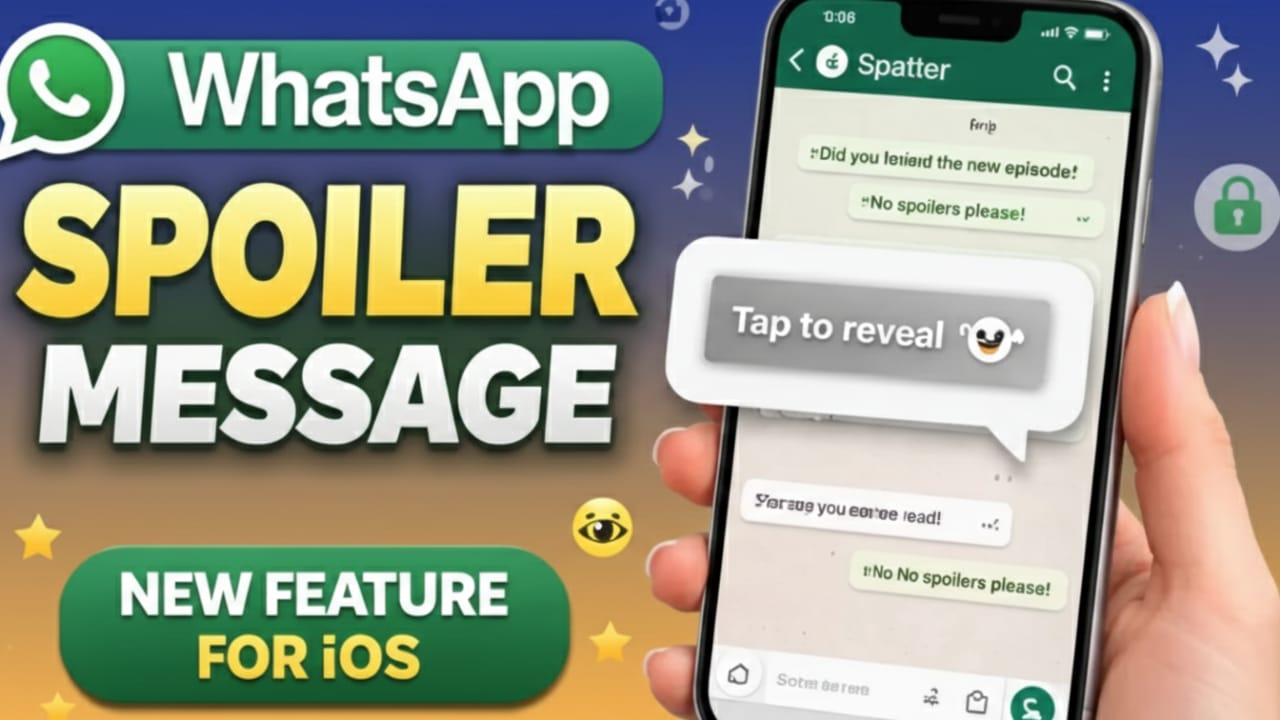
WhatsApp is preparing a new text feature for iPhone users that makes sharing surprises much easier. The company is testing a spoiler message option that lets you hide selected text inside a chat. The message stays invisible until the receiver taps on it.
This small change can make everyday conversations more comfortable. Whether it’s a movie ending, match result, or personal update, the sender gets better control over when the other person reads the message. Right now, the feature is still being tested in beta versions of the app.
Advertisements
Also read: How to Mute Someone on WhatsApp Without Blocking Them
What Is the WhatsApp Spoiler Message Feature?
The spoiler message tool allows users to hide specific text before sending it. Instead of showing the message clearly, WhatsApp covers it inside the chat. The receiver must tap on the hidden text to reveal what it says.
This is useful when you want to avoid spoiling content or sharing sensitive information too openly. Many chat apps already offer similar tools, and WhatsApp is now moving in the same direction. Once released, it could become a simple but helpful option for daily messaging.
Why WhatsApp Is Adding Hidden Text Messages
In group chats, messages often appear too quickly. Sometimes this ruins surprises for others. WhatsApp seems to be addressing this problem with spoiler messages.
This feature allows people to decide how and when others see certain information. It works well in friend groups, family chats, and fan communities where surprises matter. Instead of deleting messages or adding warning notes, users can simply hide the text. This improves comfort, privacy, and overall chat experience.
How the Spoiler Formatting Is Expected to Work
Using the spoiler feature should be straightforward. After typing a message, users will likely see a new “Spoiler” option in the text formatting menu. Once selected, the chosen text will appear covered in the chat.
The receiver will see a blurred or hidden message bubble and must tap it to read the content. Early signs suggest that the text may stay hidden even after reopening the chat, helping prevent accidental viewing. This makes the feature practical for everyday use.
Text Messages Only, At Least for Now
At the moment, the spoiler feature is being developed mainly for text messages. There is no confirmed support for photos, videos, or other media yet.
Some users may want this option for images too, but WhatsApp seems focused on making text spoilers work smoothly first. Once the feature is stable, support for other content types may arrive in future updates.
Even with text-only support, the tool can handle most common privacy and surprise-sharing needs.
Spoiler Messages vs View-Once Content
Many users may confuse spoiler messages with view-once photos or disappearing messages, but they work differently.
View-once content disappears after being opened. Spoiler messages, however, stay in the chat. The text remains hidden until tapped, but it does not vanish. This means users can read it later without losing the message.
Because of this balance between privacy and message history, spoiler messages may be more useful in many situations.
Current Development Status
The spoiler message feature is still under development and is not available to everyone. Some beta testers may see the option, but it may not work perfectly yet. This is normal during testing.
WhatsApp usually rolls out new features slowly—first to a small group, then to all users. iPhone users may need to wait a little longer, but the presence of this feature in testing suggests that a public release is likely in a future update.
Also read: WhatsApp Status Privacy Update: More Control With Custom Audience Lists
Final Thoughts
For iPhone users, the spoiler message feature shows that WhatsApp is focusing more on user control and thoughtful messaging. Hidden text can protect surprises, personal updates, and sensitive details without cluttering chats or deleting messages.
Once officially released, this feature could become a regular part of both private and group conversations. Until then, users will have to wait for the update. When it arrives, this simple hidden text option may turn out to be one of the most practical additions to WhatsApp on iOS.

I am a passionate Tech Writer with strong industry experience. I enjoy exploring the latest technological innovations and sharing clear, helpful insights with my audience.”
Advertisements