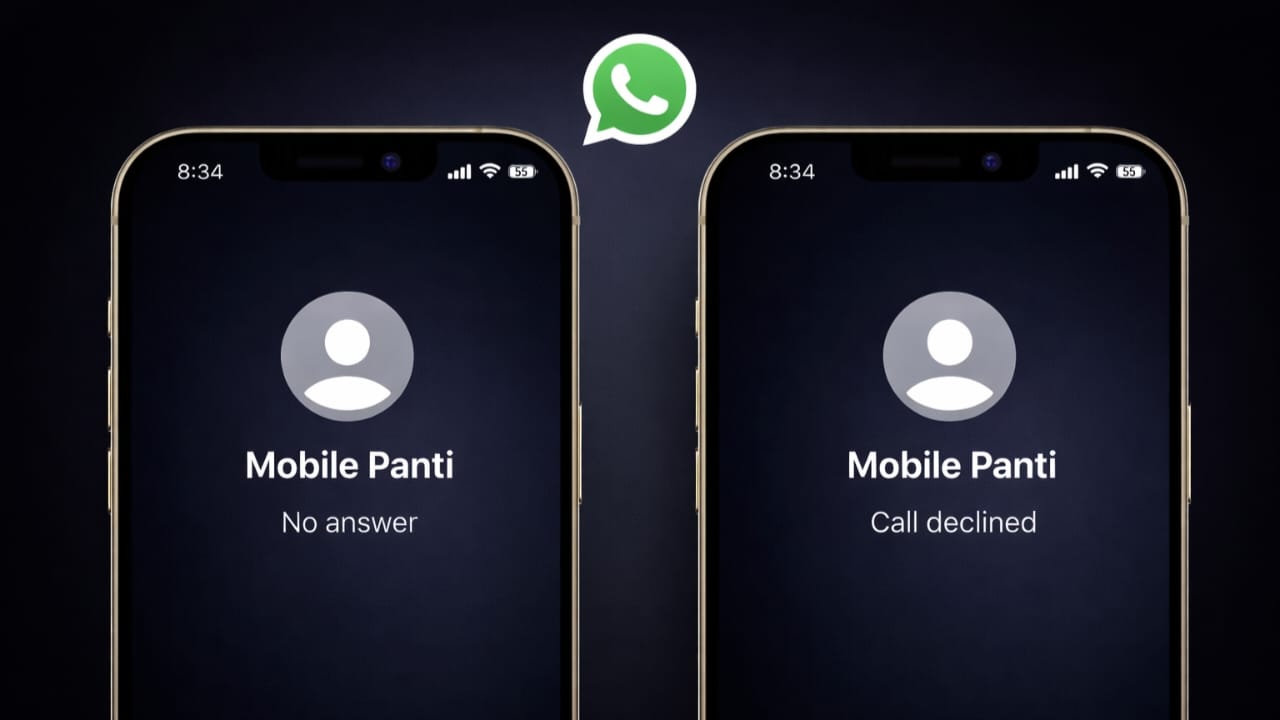
When you try to call someone on WhatsApp, you might see messages like Unavailable, No Answer, Declined, or Busy. These labels often create confusion because it is not always clear what actually happened to the call. Many users also wonder whether the problem is technical or personal.
This guide explains each WhatsApp call status in clear and easy language, along with the common reasons behind them.
Also read: Create WhatsApp Stickers Without Any Extra App on Android and iPhone
Why WhatsApp Shows Call Status Messages
WhatsApp automatically displays call statuses to explain why a call did not connect. These messages depend on several things, such as the other person’s phone condition, internet availability, app settings, or actions taken by the receiver.
The purpose of these statuses is to give you a basic idea of what stopped the call from connecting.
What Different WhatsApp Call Statuses Mean
When a WhatsApp Call Shows “Unavailable”
If your call displays Unavailable, it means WhatsApp could not deliver the call to the other person.
This can happen for several reasons:
- Their phone is turned off
- They are not connected to the internet
- WhatsApp is not active or not installed
- WhatsApp calling is blocked or restricted
- There is a temporary network or server issue
This message does not automatically mean that you are blocked. It simply shows that the call could not reach the device.
When a WhatsApp Call Shows “No Answer”
The No Answer status means the call reached the other person, but they did not respond.
Possible reasons include:
- They were busy or away from the phone
- The phone was on silent or Do Not Disturb
- They chose not to pick up
- Slow internet delayed the call alert
In this case, the call did ring on their device.
When a WhatsApp Call Shows “Declined”
If you see Declined, it clearly means the other person rejected the call.
This usually happens when:
- They pressed the decline button
- They were already engaged in another call
- They did not want to answer at that moment
This status reflects a direct action taken by the receiver.
When a WhatsApp Call Shows “Busy”
The Busy status appears when the other person is already on a call.
This may include:
- Another WhatsApp call
- A regular phone call
- A video call
- Devices that do not support multiple calls at once
Waiting a few minutes and trying again usually solves this.
When a WhatsApp Call Disconnects Immediately
If a call ends as soon as it starts, the reason is usually technical.
Common causes are:
- Weak or unstable internet
- Background app restrictions
- Temporary app issues
- Switching between Wi-Fi and mobile data
These problems are often temporary and resolve on their own.
Does a Call Status Mean You Are Blocked?
Not necessarily. Seeing Unavailable once or twice does not confirm blocking. Only repeated issues combined with other signs may suggest that possibility. In most cases, call status messages are related to connectivity or availability.
Tips to Reduce WhatsApp Calling Problems
You can avoid many call issues by following these simple steps:
- Use a strong and stable internet connection
- Keep WhatsApp updated
- Allow background data for WhatsApp
- Turn off battery optimization for the app
- Make sure call permissions are enabled
These small changes often improve call performance.
Also read: How to Silence WhatsApp Calls From One Person Without Blocking Them
Final Words
WhatsApp call status messages are designed to explain what happened during a call attempt. Labels like Unavailable, No Answer, or Declined are not personal messages. They simply describe the situation at that moment.
Once you understand their meaning, it becomes easier to decide whether to wait, try again, or check your settings. If call issues continue, reviewing your internet connection and app permissions is always a smart first step.

I am a passionate Tech Writer with strong industry experience. I enjoy exploring the latest technological innovations and sharing clear, helpful insights with my audience.”