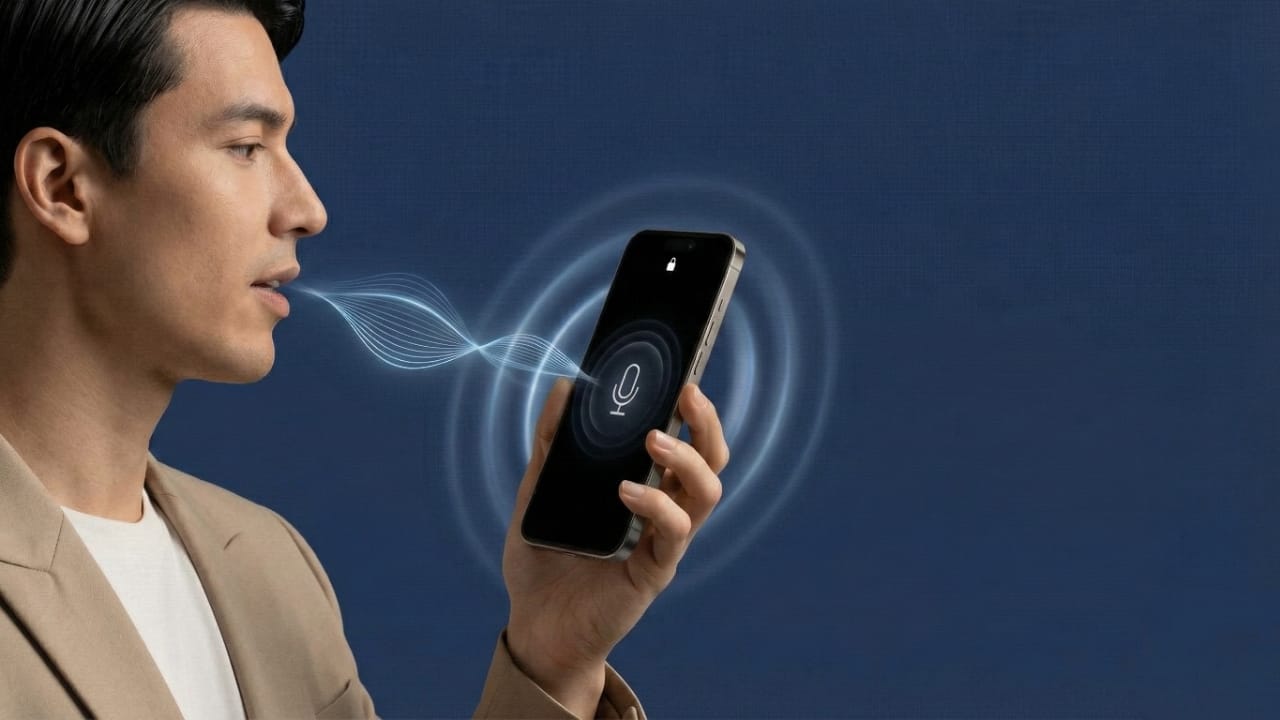
Smartphones already come with strong security options such as PINs, patterns, fingerprints, and face recognition. Still, many users are curious about voice-based unlocking and want to know whether a phone can be unlocked using voice commands.
In this guide, you will learn what voice lock really means, what is officially supported on Android and iPhone, and what limitations you should understand before using any voice-based feature. All information shared here is honest, practical, and based on real device behavior.
Also read: WT Hub – Web Scanner App Review
What Is Voice Lock on a Smartphone?
Voice lock means accessing or controlling a phone using voice commands. For example, speaking a specific phrase to perform certain actions or open features.
Although the idea sounds convenient, one important fact must be clear.
Voice lock is not available as a primary lock screen security option on Android or iOS.
Google and Apple do not allow voice recognition to replace PINs, fingerprints, patterns, or Face ID because voice is not considered secure enough for full authentication.
Voice Lock on Android: What You Can Actually Do
Android supports voice-based features, but with clear limits.
Google Assistant Voice Match
Google Assistant can recognize your voice to help with tasks like calling, messaging, or searching. However, it does not unlock the phone fully. The screen lock is still required for sensitive actions.
Smart Lock Features
Android Smart Lock keeps your phone unlocked in trusted conditions, such as connected devices or familiar locations. Voice recognition is not included in Smart Lock.
Third-Party Voice Lock Apps
Some apps add a voice-based screen lock or app lock as an extra layer. These apps work independently and do not replace Android’s system security.
Voice Lock on iPhone: What Apple Allows
Apple focuses strongly on privacy and safety.
Siri and Voice Control
Siri and Voice Control allow hands-free commands and navigation. However, unlocking an iPhone still requires Face ID or a passcode.
Voice cannot be used as a standalone unlocking method on iOS.
Why Voice Lock Is Not Fully Supported
There are several reasons why voice is not used as a main security method:
- Voice can be recorded or copied
- Background noise can trigger commands
- Voice recognition is less accurate than biometrics
- Higher risk of unauthorized access
Because of these risks, voice features are limited to assistance and accessibility, not authentication.
Permissions You Should Be Careful About
Voice lock apps often request permissions such as:
- Microphone access
- Storage permission
- Accessibility access
Always allow only what is necessary. Avoid apps that ask for excessive or unrelated permissions.
Optional Voice Lock App You Can Try on Android
If you are curious and want to experiment with voice-based screen lock features, some apps on the Google Play Store offer this option as an additional convenience layer.
One such app is:
Voice Screen Lock
Google Play link:
Install
This app allows users to set a custom voice phrase to unlock the screen. It works separately from Android’s system lock and should be used only as an extra convenience feature, not as a replacement for strong security methods. Before installing, it is recommended to check permissions, user reviews, and privacy details carefully.
Also read: E2PDF – Call Backup Restore App Review
Final Thoughts
Voice lock may sound advanced, but Android and iOS do not officially support voice as a primary phone unlock method. Voice-based features are meant for convenience and accessibility, not for full security.
If you decide to try third-party voice lock apps, use them only as optional enhancements. For proper protection, always rely on trusted security methods like fingerprints, Face ID, or a strong passcode, and use voice features responsibly.

I am a passionate Tech Writer with strong industry experience. I enjoy exploring the latest technological innovations and sharing clear, helpful insights with my audience.”