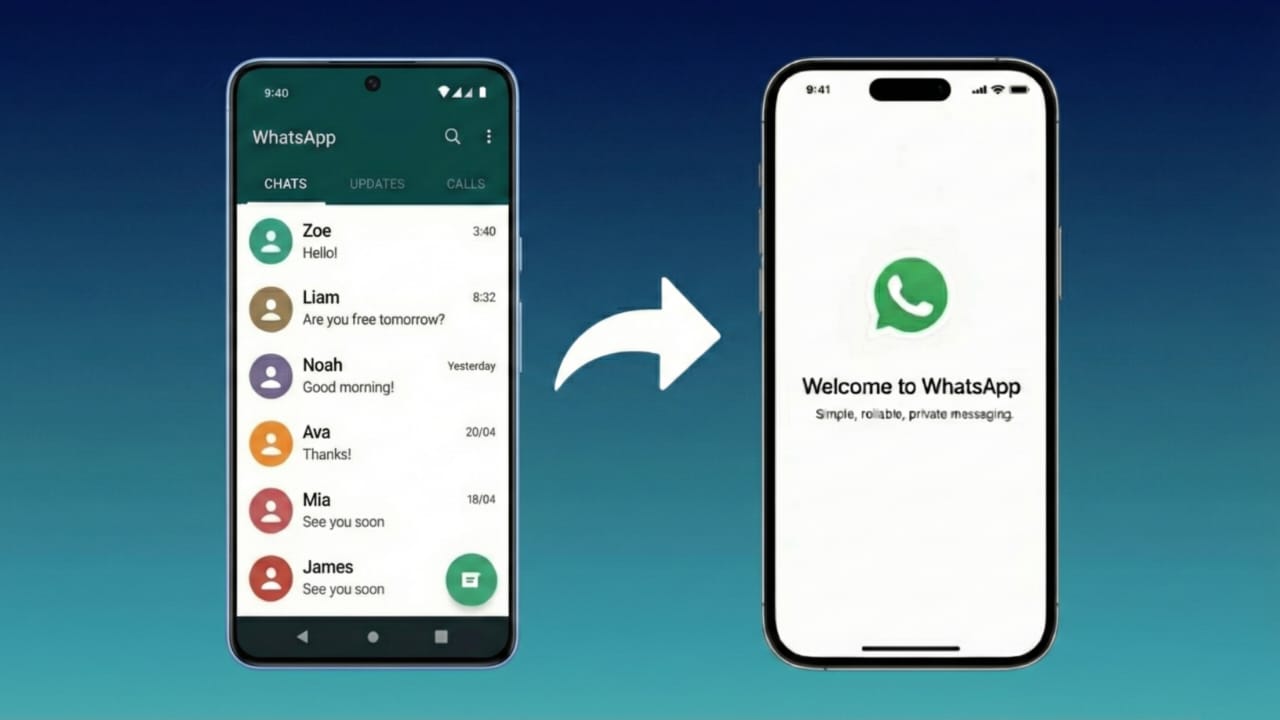
For a long time, WhatsApp could only run on a single phone. Today, that has changed. WhatsApp now supports using the same account on multiple devices, including another phone. You don’t need cloning apps, risky tricks, or unofficial tools. Everything works directly through WhatsApp’s built-in option.
Is It Really Possible to Use One WhatsApp Account on Two Phones?
Yes, it’s officially possible. WhatsApp introduced a feature called Companion Mode that lets you sign in on a second phone while using the same account.
No external apps, no modified versions — just the original WhatsApp app from the Play Store or App Store.
Also read: How to Share Your WhatsApp QR Code – Easy Step-by-Step Guide
How to Link Your WhatsApp Account to a Second Phone
Follow this easy method:
Step 1: Install WhatsApp on Your Second Phone
- Download WhatsApp from the official app store.
- Open the app.
- Tap Agree and Continue.
You’ll see the usual login interface asking for your phone number.
Step 2: Choose Link to Existing Account
Don’t enter your number.
- On Android: tap the three dots menu at the top.
- On iPhone: the option shows directly.
Select Link to Existing Account.
Your second phone will now display a QR code.
Step 3: Scan the QR Code Using Your Primary Phone
Grab your main phone:
- Open WhatsApp
- Go to Settings > Linked Devices
- Tap Link a Device
- Scan the QR code from the second phone
In a few seconds, your chats will appear on the second device.
What You Can Do After Linking Both Phones
Once you link your account, the second phone works just like the main one:
- Read and reply to messages
- View old chats (after syncing)
- Send photos, documents, and voice notes
- Use WhatsApp even without your primary phone being online (for some time)
The experience is smooth and secure.
Things You Should NOT Do
To stay safe and avoid issues, remember:
- Do not install WhatsApp MOD versions
- Avoid cloning or mirroring apps
- Never use tools that promise number spoofing
- You cannot change the phone number only on the second phone
All linking should happen through Linked Devices (Companion Mode) only.
Why You Should Avoid Unofficial Apps
Websites may claim to help you use one WhatsApp account on two phones through mod apps or APK tricks. These can lead to:
- Permanent account bans
- Personal data leakage
- Security and privacy risks
Using the official WhatsApp app is the safest option.
Advantages of Using One Account on Multiple Phones
This feature is especially helpful if:
- You manage two smartphones
- You travel frequently
- You run a business account on two devices
It syncs messages securely and keeps WhatsApp’s end-to-end encryption intact.
Also read: How to Move Your WhatsApp Chats to Arattai Messenger — A Simple Guide
Final Thoughts
WhatsApp now makes it easy to use the same account on two different phones — no hacks, no tricks, and no risk. Simply activate Companion Mode and link your device using WhatsApp’s official settings. Stay away from unofficial apps to keep your account safe and protected.

I am a passionate Tech Writer with strong industry experience. I enjoy exploring the latest technological innovations and sharing clear, helpful insights with my audience.”