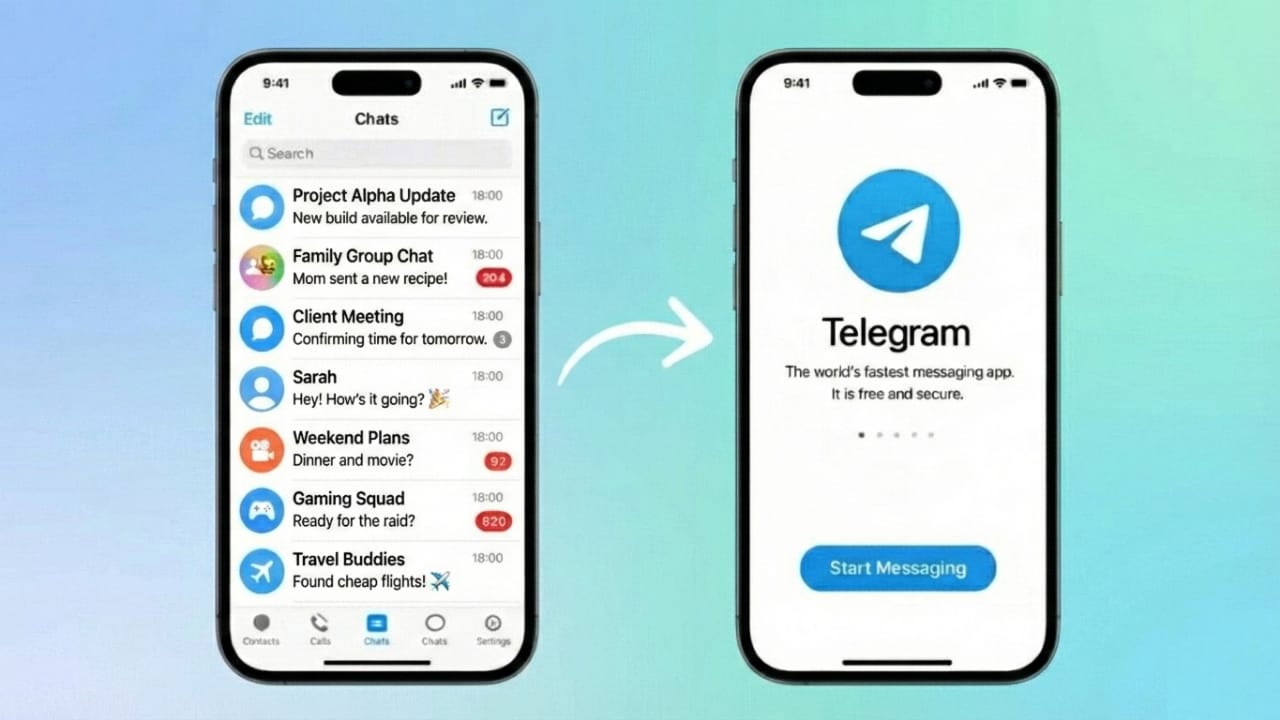
Telegram is known for being easy to use and packed with helpful features. One of the best additions is the ability to log in to the same Telegram account on more than one phone. You don’t need any cloning apps or workarounds — everything is supported officially.
This guide explains how to set it up, how it works behind the scenes, and how to keep your account secure.
Also read: Use WhatsApp on Two Phones – The Official and Safe Method
Why Telegram Supports Multi-Device Login
Telegram stores your messages and data in the cloud. Because of this, your chats, contacts, and media stay synced on every device you use.
When you sign in on another phone, Telegram instantly loads your data from its servers. You can continue messaging on both phones without losing anything. You can even stay logged in on multiple devices at once.
Steps to Use One Telegram Account on Two Phones
Follow these steps on your second phone:
1. Install Telegram
Download the Telegram app from the Play Store or App Store.
2. Open the App and Tap “Start Messaging”
This begins the login process.
3. Enter Your Phone Number
Use the same number that is already linked to your Telegram account.
4. Approve Login on Your Main Device
Telegram may send a confirmation request to your first phone.
You’ll see a message asking whether you want to allow the login.
5. Confirm the Login
Tap Allow on your primary device to complete verification.
6. You’re Logged In on Both Phones
All chats and media sync automatically. You can now use Telegram on both phones comfortably.
How to Check Which Devices Are Logged In
To see all active devices connected to your Telegram account:
- Open Telegram
- Go to Settings
- Select Devices
You’ll see a list of devices currently logged in. You can remove any device you no longer use.
Tips to Keep Your Telegram Account Secure
Although the feature is safe, taking a few precautions will help protect your account:
1. Turn On Two-Step Verification
This adds a password in addition to the OTP.
Settings → Privacy and Security → Two-Step Verification → Enable
2. Only Approve Logins You Start
If you receive a request you didn’t make, deny it immediately.
3. Lock Your Primary Phone
Use a PIN, fingerprint, or pattern lock so others can’t approve logins on your behalf.
4. Check Active Sessions Regularly
Remove devices you don’t recognize.
Will Both Phones Receive Messages and Calls?
Yes. Telegram syncs everything continuously, so both phones can:
- Receive messages
- Show notifications
- Make and receive Telegram calls
- Send and download media
There is no difference between the two devices.
Also read: How to Sync iCloud Photos with Google Photos – Easy Step-by-Step Guide
Conclusion
Telegram officially supports using the same account on more than one phone, and the setup is very simple. You don’t need cloning apps or risky tricks. Just install Telegram on the second phone, approve the login, and you’re ready to go.
This feature is especially helpful if you switch phones often, use separate devices for work and personal life, or simply want the convenience of accessing Telegram anywhere.

I am a passionate Tech Writer with strong industry experience. I enjoy exploring the latest technological innovations and sharing clear, helpful insights with my audience.”