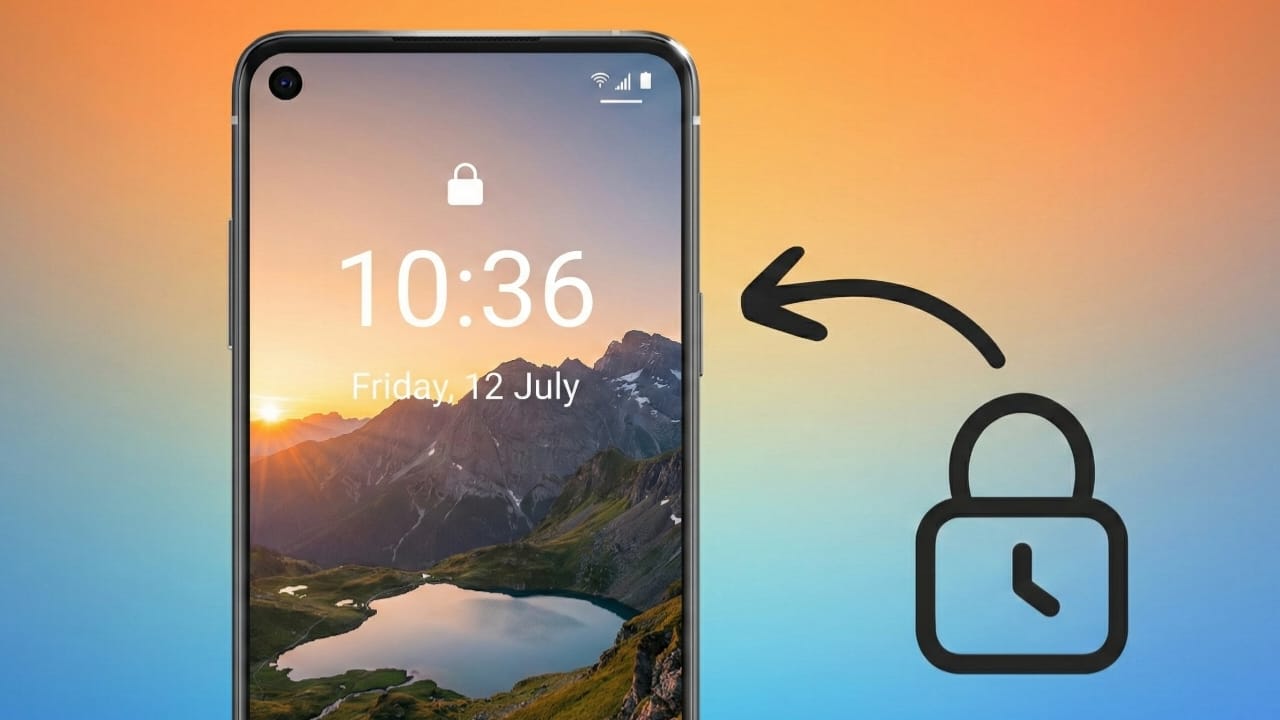
Keeping your phone secure is no longer optional. We store messages, photos, banking apps, and personal data on our devices every day. Most people protect their phones with a fixed PIN, pattern, or fingerprint. While these options work, they can sometimes be guessed, copied, or seen by others.
Time-based screen lock apps offer a fresh idea. Instead of using one permanent password, they turn the current time into your unlock code. Let’s understand how this system works and whether it’s right for Android users.
Also read: How to Apply Transparent Wallpaper on Android and iPhone (Easy Guide)
What Is a Time Password Screen Lock?
A time password screen lock uses your phone’s current time as the unlock PIN. The password updates automatically as the time changes.
For example:
- If the time is 08:40, the password becomes 0840
- When the time changes, the password changes with it
Because the code is always updating, there is no single password for someone else to remember or reuse.
How a Time-Based Lock Adds Extra Security
Traditional locks stay the same until you manually change them. A time-based lock removes this weakness by refreshing the password every minute.
This approach helps because:
- There is no fixed PIN to expose
- It lowers the chance of someone unlocking your phone by watching you
- It offers extra safety in public or shared spaces
As long as you know the current time on your device, you can unlock it easily.
Common Features in Time Password Lock Apps
Many Android apps that support time-based locking also include other privacy tools. These features are usually added without changing system settings or requiring root access.
1. Auto-Changing Time Password
Apps may allow different formats, such as:
- Current time only
- Minutes-based password
- Time combined with a custom PIN
- Date and time combinations
2. Photo and Video Vault
Some apps include a secure vault where users can store private photos and videos behind an extra lock.
3. Private Browsing Option
A built-in private browser may be available. It does not save browsing history, cookies, or search data inside the app.
4. Lock Screen Customization
Users can often personalize the lock screen by changing:
- Background images
- Clock style (12-hour or 24-hour)
- Custom messages
- Sound or vibration effects
5. Smooth and Lightweight Performance
Most time lock apps are designed to use very little battery and memory, making them suitable for daily use.
How to Set Up a Time Password Lock on Android
The setup process is usually quick and simple.
Step 1: Install the App
Download the app from the Google Play Store and open it.
Step 2: Allow Required Permissions
The app may request access for:
- Displaying over the lock screen
- Storage access for wallpapers or vault files
- Phone state to manage incoming calls
Always read permission details before approving them.
Step 3: Select Lock Method
Choose how you want the password to work:
- Time-based only
- Time plus a fixed PIN
- Date-based password
Step 4: Customize the Lock Screen
Adjust visuals, text, vibration, and effects to match your preference.
Step 5: Enable and Test the Lock
Turn on the lock and test it once to ensure everything works properly.
Understanding App Permissions
These apps usually request permissions for basic functionality:
- Storage: For wallpapers or saving private files
- Phone access: To avoid lock issues during calls
- Internet: For updates or ads in free versions
Avoid apps that ask for unnecessary or unclear permissions.
Pros and Cons of Time-Based Screen Locks
Pros
- Password changes automatically
- Harder to guess than a fixed PIN
- Adds an extra layer of privacy
- Easy to set up and customize
Cons
- You must know the correct time
- Free apps may show ads
- Permission access may concern privacy-focused users
Important Tips Before Using One
- Keep your phone’s time accurate
- Download apps only from trusted sources
- Check app reviews and permission policies
- Test the lock after setup to avoid lockouts
Optional App to Try
Some users prefer using a dedicated time-based lock app with extra customization options.
Optional app link:
Install
Apps like this usually offer:
- Time-based PIN generation
- Multiple lock formats
- Visual customization
- Compatibility without system changes
Using such apps is completely optional and depends on personal preference.
Also read: How to Find Messages on WhatsApp (Android and iPhone)
Final Thoughts
Time-based screen lock apps bring a creative twist to Android security by turning the current time into a changing password. With added features like vaults and lock screen customization, they balance protection with personalization.
When installed from official sources and used carefully, time password lock apps can be a practical choice for users who want something more dynamic than traditional screen locks—without making things complicated.

I am a passionate Tech Writer with strong industry experience. I enjoy exploring the latest technological innovations and sharing clear, helpful insights with my audience.”
Inshugurly 🤍
Time password set the phone lock screen