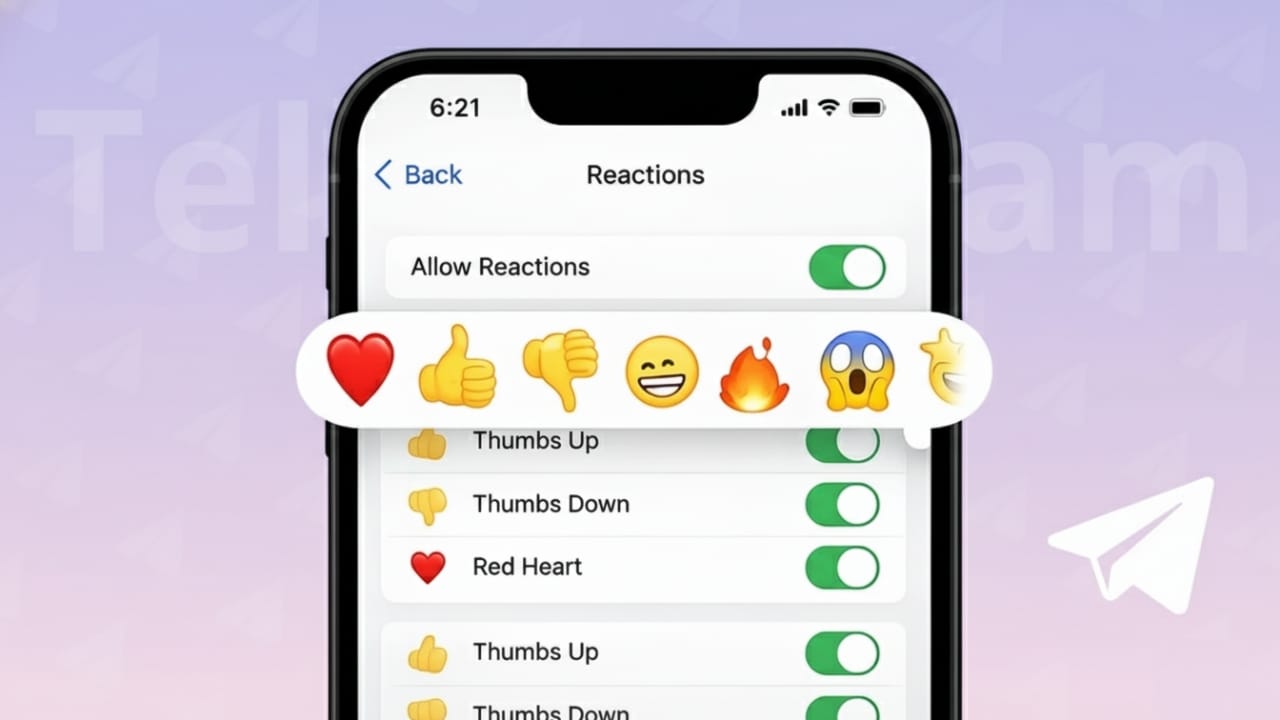
Telegram message reactions make chatting quicker and cleaner. Instead of replying with short words like “ok” or “nice,” you can simply tap an emoji on a message. This small feature saves time and keeps conversations easy to follow, especially in busy groups and channels.
If you’ve noticed emojis appearing below messages and weren’t sure how they work, this guide breaks it down in a simple way.
Also read: How to Protect Your Telegram Account From Hackers (Step-by-Step Guide)
What Are Message Reactions on Telegram?
Message reactions are emoji responses shown directly under a message. They allow users to share feelings or opinions instantly. Anyone in the chat can see these reactions, and many people can react to the same message at the same time.
Reactions are available in:
- Personal chats
- Group conversations
- Public and private channels
The emojis you see depend on the chat’s settings and whether special reactions are allowed.
How to React to a Message on Telegram
Using Android or iPhone
- Open the Telegram app
- Enter the chat where the message is posted
- Tap and hold the message
- An emoji panel will appear
- Select the emoji you like
Your reaction will appear under the message instantly.
Using Desktop or Web Version
- Open Telegram Desktop or Telegram Web
- Hover your mouse over a message
- Click on the reaction icon
- Choose an emoji
The reaction is added without sending a new message.
Editing or Removing a Reaction
Telegram gives you full control over your reactions:
- To change it, just pick another emoji
- To remove it, tap or click the same emoji again
This works the same way on mobile, desktop, and web versions.
Custom and Animated Emoji Reactions
Some chats offer more than basic emojis. In certain channels or premium-enabled groups, you may see animated or custom emojis as reactions.
These options depend on:
- Group administrators
- Channel owners
- Chat permission settings
If special reactions are turned off, only standard emojis will be available.
Reaction Controls for Groups and Channels
Admins can manage how reactions work in their communities. They have the option to:
- Enable or disable reactions
- Allow only selected emojis
- Set limits on reactions per message
These controls help keep large chats organized and clutter-free.
Benefits of Using Telegram Reactions
Message reactions offer several advantages:
- Faster replies without typing
- Cleaner group conversations
- Quick feedback in channels
- Easy participation for everyone
They are especially helpful when many users want to respond to one message.
Why You Might Not See Reactions
If reactions are missing in a chat, possible reasons include:
- The Telegram app is outdated
- Reactions are disabled in that chat
- Older chats may not support reactions
Updating the app usually fixes the issue.
Also read: Use One Telegram Account on Two Phones – Simple Explained Guide
Final Words
Telegram message reactions are a smart way to communicate quickly and clearly. Whether you’re chatting with friends or following a large channel, reactions help you respond without breaking the flow of conversation.
Once you start using them, they feel like a natural and time-saving part of Telegram.

I am a passionate Tech Writer with strong industry experience. I enjoy exploring the latest technological innovations and sharing clear, helpful insights with my audience.”