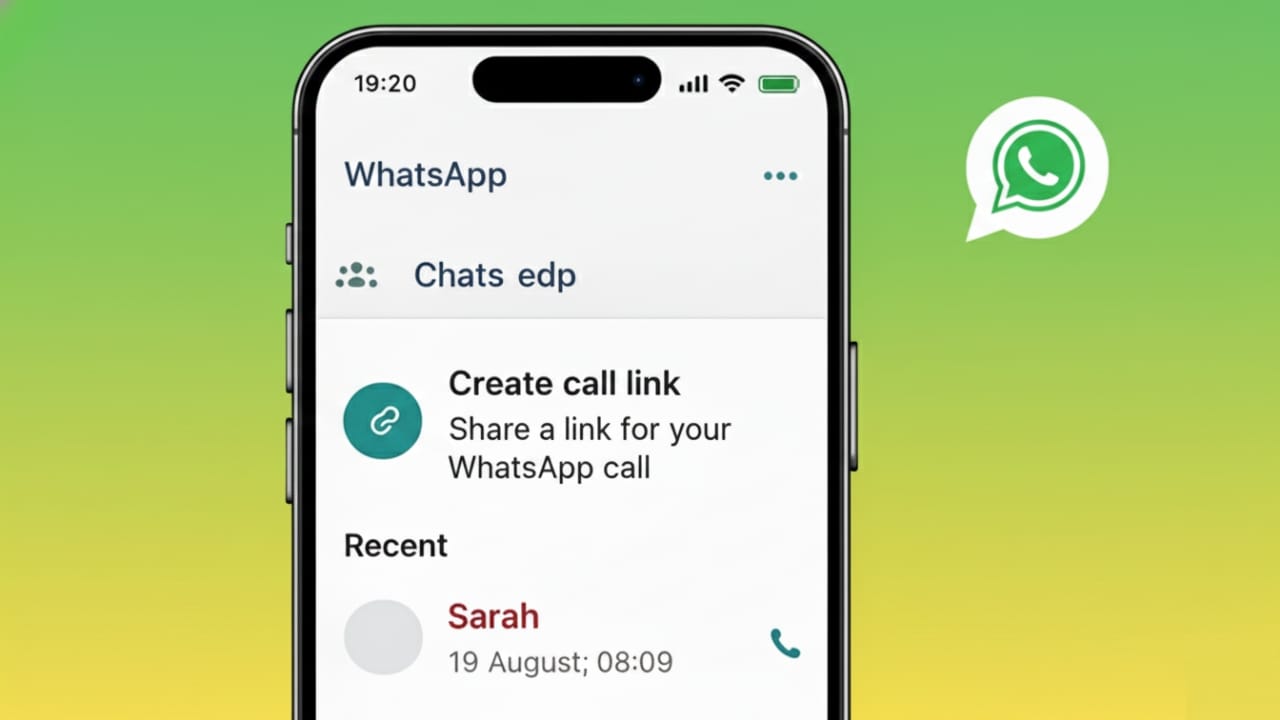
WhatsApp saves details of every voice and video call you make or receive. These records appear in the Calls section of the app. Over time, this list can grow long or include calls you no longer want visible. For privacy or better organization, many users choose to clear their call history.
This simple guide explains how to delete WhatsApp call logs on both Android phones and iPhones using official and safe methods.
Also read: WhatsApp Call Status Messages Explained in Simple Words
What Does WhatsApp Call History Include?
Your WhatsApp call history is a list that shows:
- Voice calls
- Video calls
- Missed calls
These entries are stored only on your phone and are separate from chats. Removing call records will not change your messages or contact list.
Is It Possible to Delete WhatsApp Call Logs?
Yes. WhatsApp gives users full control over their call history. You can:
- Remove one specific call
- Clear the entire call list in one step
However, WhatsApp does not delete call history automatically. You must do it yourself whenever needed.
How to Delete WhatsApp Call History on Android
Remove One Call Entry
- Open WhatsApp
- Go to the Calls tab
- Press and hold the call you want to delete
- Tap the Delete icon
- Confirm the action
Only the selected call will disappear from the list.
Clear All Call History on Android
- Open WhatsApp
- Tap on the Calls section
- Select the three-dot menu in the top corner
- Choose Clear call log
- Confirm to proceed
This will erase all WhatsApp call records at once.
How to Delete WhatsApp Call History on iPhone
Delete a Single Call
- Open WhatsApp
- Tap Calls at the bottom
- Swipe left on the call you want to remove
- Tap Delete
Only that call entry will be removed.
Clear the Full Call List on iPhone
- Open WhatsApp
- Go to the Calls tab
- Tap Edit in the top-left corner
- Select Clear
- Confirm your choice
This action removes all call history from WhatsApp on your iPhone.
Does Removing Call History Affect Chats or Media?
No. Deleting WhatsApp call logs:
- Does not delete messages
- Does not remove photos or videos
- Does not block or remove contacts
It only clears the call records shown in the Calls tab.
Can Deleted Call History Come Back?
If you restore WhatsApp from a backup created before deleting the call logs, the call history may return.
To prevent this:
- Create a fresh backup after clearing call history
- Or pause backups until you are done
Why Users Choose to Delete WhatsApp Call History
People clear their call logs for many simple reasons, such as:
- Keeping personal calls private
- Removing old or useless entries
- Making the Calls tab look clean
- Preparing the phone for someone else to use
Also read: How to Edit Videos Directly in WhatsApp on Android and iPhone
Final Words
Removing WhatsApp call history on Android or iPhone is quick and safe. The app offers built-in options to delete single calls or wipe the entire call list without touching chats or contacts. If you care about privacy or like to keep things organized, clearing your call history once in a while is a smart habit.

I am a passionate Tech Writer with strong industry experience. I enjoy exploring the latest technological innovations and sharing clear, helpful insights with my audience.”