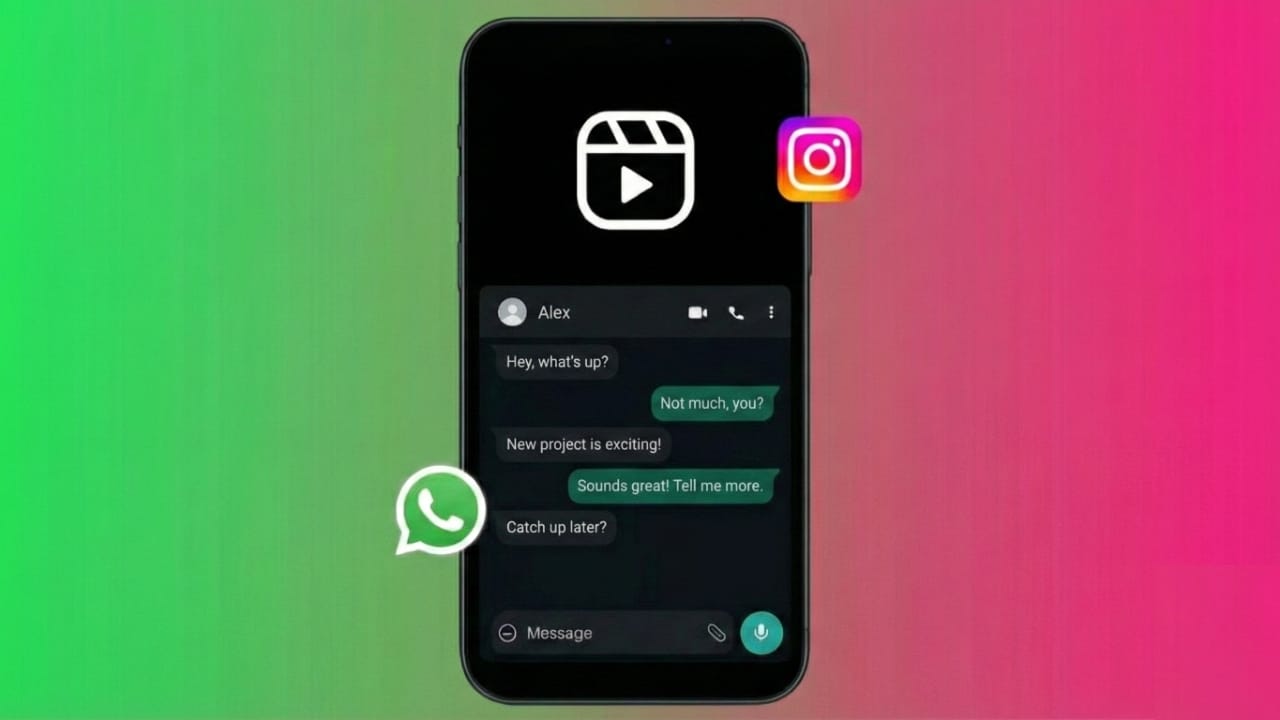
Do you want to enjoy Reels on Instagram and reply to your WhatsApp messages at the same time? Good news — you can use both apps together without constantly switching between them. Most Android phones offer split screen or floating window features, while iPhones allow quick switching through Safari.
Below is a simple guide that explains how to do it safely.
Also read: Use WhatsApp on Two Phones – The Official and Safe Method
Why Use Both Apps Together?
People often multitask for many reasons, such as:
- Watching Reels without pausing conversations
- Sharing Reels directly in WhatsApp chats
- Avoiding frequent app switching
- Keeping both apps open for quick replies
Method 1: Split Screen on Android
If you have an Android phone, this is the easiest method.
Steps:
- Open Instagram and go to the Reels tab.
- Open the Recent Apps screen (square button or swipe up and hold).
- Tap the Instagram icon at the top of its preview.
- Select Split Screen.
- Choose WhatsApp from your app list.
Now you will see Instagram and WhatsApp running together.
You can drag the divider to adjust the size of each app.
Method 2: Floating Window (PiP Mode) on Android
Some Android devices allow Reels to continue in a small floating window.
Steps:
- Play any Reel on Instagram.
- Press the Home button.
- A small video window will appear (if your phone supports PiP).
- Open WhatsApp and chat while the Reel keeps playing.
Note: This feature may not work on all Android models, but many newer phones support it.
Method 3: iPhone Multitasking Trick
iPhones do not offer split screen for Instagram. However, there is a helpful workaround.
How to Use It:
- Open Instagram using Safari (Instagram.com).
- Select Request Desktop Site.
- Add it to your Home Screen as a shortcut.
- Switch between WhatsApp and Instagram quickly using the home bar.
While this isn’t true split screen, it makes switching between both apps much smoother.
Helpful Tips
- Keep Instagram and WhatsApp updated to the latest version.
- Use multi-window features if your device supports them.
- Turn on WhatsApp bubbles (available on some Android phones).
- Connect to Wi-Fi for smoother Reels playback.
Is It Safe?
Yes. These methods use features already available on your phone.
You don’t need any third-party apps or risky tools.
Also read: How to Change WhatsApp Chat Themes – Easy Guide for Everyone
Final Words
Multitasking with Instagram Reels and WhatsApp is simple once you know how.
Android users can enjoy true split screen, while iPhone users can switch apps quickly using the Safari trick. Try it once, and you’ll see how handy it is!

I am a passionate Tech Writer with strong industry experience. I enjoy exploring the latest technological innovations and sharing clear, helpful insights with my audience.”