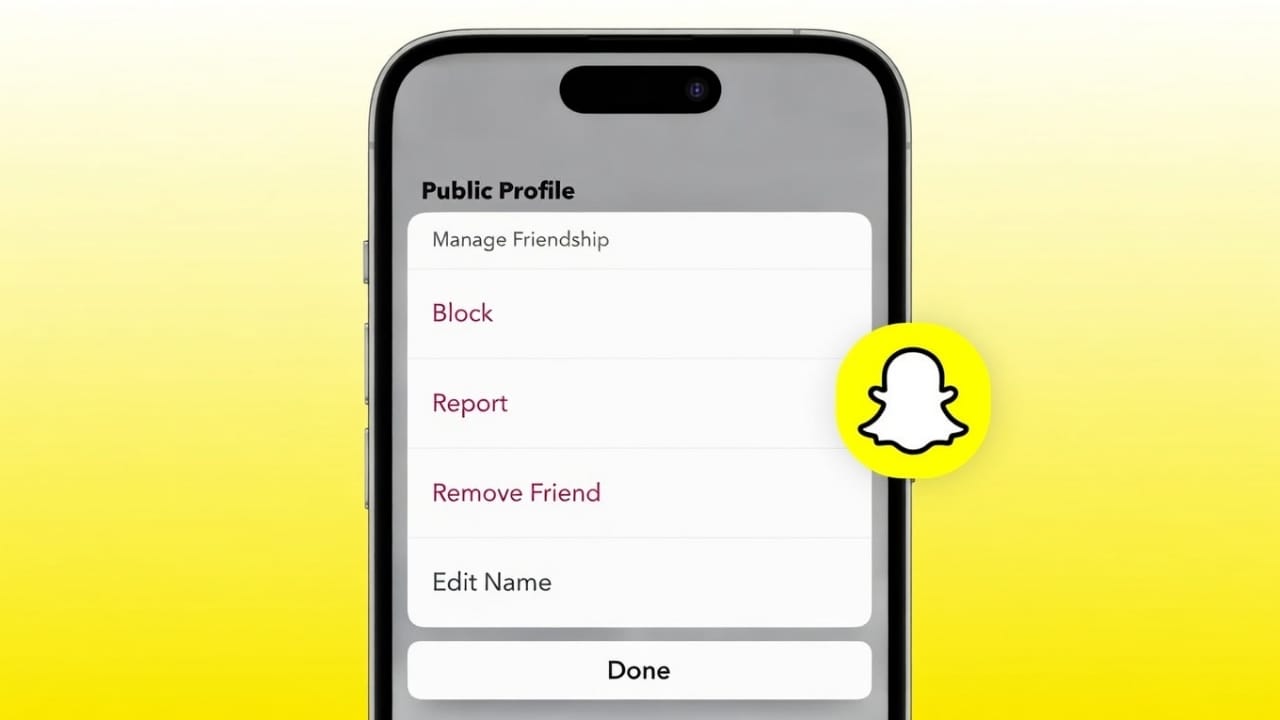
Snapchat lets you control who stays on your friends list. If you no longer want to stay connected with someone, you can remove them easily. The app provides safe, official options to do this without creating any awkward situations.
Below, you’ll learn two easy and reliable ways to remove a friend on Snapchat using features already available in the app.
Also read: Apple Music vs Spotify: Which Streaming App Makes More Sense in India?
What Changes After You Remove a Friend on Snapchat
Before you remove anyone, it helps to understand what actually happens:
- They won’t be able to see your private Stories anymore
- You will no longer see their private Stories
- Saved chats stay only if they were manually saved
- Snapchat does not send any notification
- You can add them back later if you want
Removing a friend is silent and does not block future contact.
Method 1: Remove a Friend From Their Profile
This is the most straightforward method and works for any friend on your list.
Steps:
- Open Snapchat on your phone
- Tap your profile icon at the top
- Open My Friends
- Select the person you want to remove
- Tap the three-dot menu in the top corner
- Choose Remove Friend
- Confirm your action
The friend will be removed instantly.
Method 2: Remove a Friend Directly From Chat
If you already have a chat open, this option is quicker.
Steps:
- Open Snapchat
- Go to the Chat section
- Open the chat with that person
- Tap their name or Bitmoji at the top
- Tap the three-dot menu
- Select Remove Friend
- Confirm
This method works the same way and removes them immediately.
Can You Add Someone Back After Removing Them?
Yes, removing a friend does not block them.
You can reconnect by:
- Searching their username
- Scanning their Snapcode
- Accepting a new friend request
If you want to fully stop contact, blocking is the better option.
Removing vs Blocking on Snapchat
| Option | What It Means |
|---|---|
| Remove Friend | Ends private sharing but allows re-adding |
| Block | Completely cuts off all interaction |
Choose based on how much distance you want.
Common Reasons People Remove Friends
People usually clean up their Snapchat list because of:
- Inactive or old contacts
- Privacy concerns
- Too many unnecessary connections
- Avoiding unwanted messages
Snapchat gives users full control over their account.
Also read: How to Create WhatsApp Chat Shortcuts on iPhone
Final Note
Removing a friend on Snapchat is quick, private, and official. You can do it either from their profile or directly from a chat, and the other person will not be alerted. Keeping your friends list updated helps protect your privacy and keeps your experience clean and stress-free.
And if you ever change your mind, reconnecting is always possible.

I am a passionate Tech Writer with strong industry experience. I enjoy exploring the latest technological innovations and sharing clear, helpful insights with my audience.”