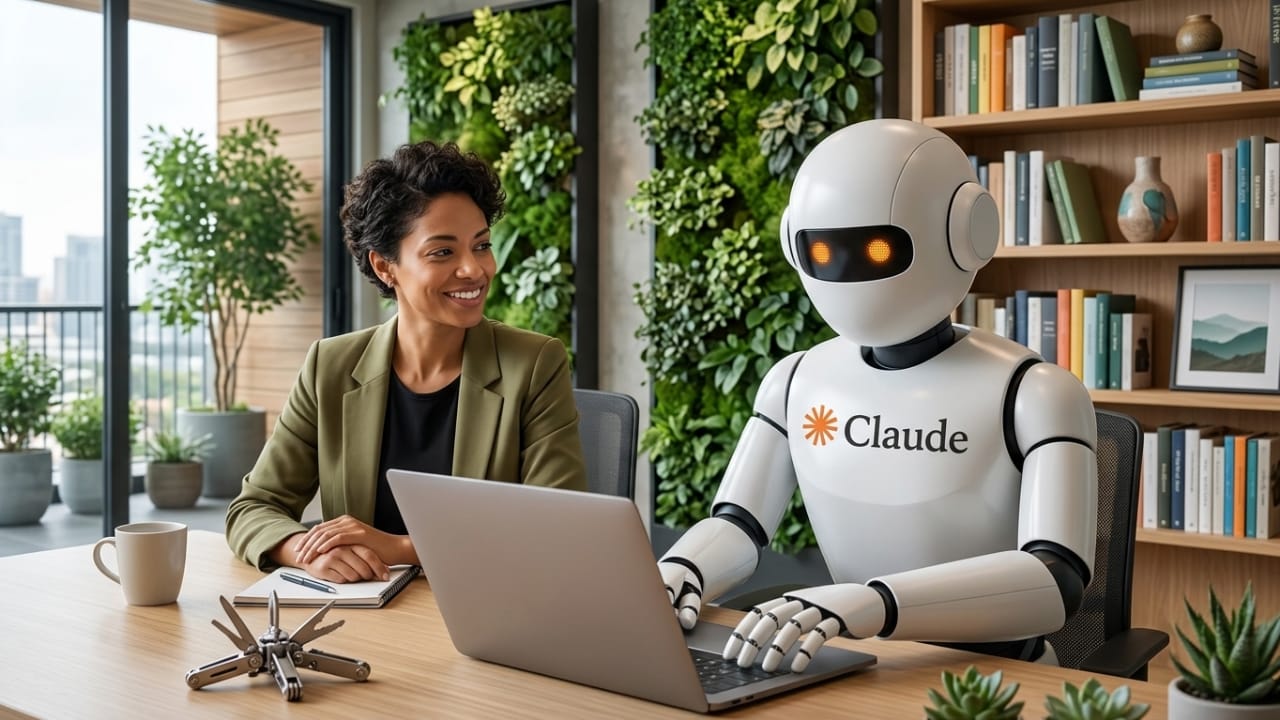
Anthropic has introduced a new feature for its AI assistant, Claude, that allows it to use a computer and complete tasks for users. This capability, known as “Computer Use,” is currently in a research preview phase but already shows how AI is evolving beyond simple conversations.
Instead of only answering questions, Claude can now take action—making it more like a real digital assistant.
Also read: Microsoft Pauses Automatic Installation of Microsoft 365 Copilot on Windows
What Is the Computer Use Feature?
The Computer Use feature enables Claude to interact with a computer just like a human would. It can view the screen, understand what’s happening, and perform actions accordingly.
Here’s what it can do:
- Type using a virtual keyboard
- Move and click with a virtual mouse
- Read screen content through screenshots
- Open and control different applications
This means Claude is no longer limited to text-based help—it can actually work inside a computer environment.
How Claude Performs Tasks
Claude follows a clear step-by-step method when completing any task:
- It first tries to use connected apps or tools
- If needed, it opens regular desktop software
- It asks for permission before taking certain actions
- It completes tasks by simulating typing and clicks
This flexible approach allows it to work with both modern apps and traditional software systems.
What Tasks Can It Handle?
The feature is designed to support everyday activities, such as:
- Opening and using applications
- Browsing websites
- Managing documents and spreadsheets
- Navigating system settings
- Handling repetitive work processes
Because of this, it can be helpful for both personal use and professional tasks.
Works With Both Modern and Older Software
One of the biggest advantages of this feature is its adaptability.
Claude can:
- Connect with apps like calendars or communication tools
- Work with traditional desktop programs when needed
If a task cannot be done through app integrations, Claude can directly operate the software on screen—after getting user approval.
Remote Control and Flexibility
This feature also supports remote interaction, giving users more control and convenience.
With this setup, you can:
- Manage tasks from another device
- Let Claude handle multi-step workflows
- Monitor and guide its actions when required
This brings AI closer to functioning as a hands-on assistant rather than just a guide.
Current Limitations
Since the feature is still being tested, there are some limitations:
- Tasks may take longer than a human would take
- Performance can vary depending on complexity
- Some actions require manual confirmation
These issues are expected to improve as the technology develops.
Why This Matters for the Future
This update reflects a major shift in how AI is being used. Instead of only giving suggestions, AI tools are starting to perform real actions.
Claude can now:
- Interact with actual software
- Automate repetitive tasks
- Reduce manual work
This could change how people use computers, making daily work faster and more efficient.
Also read: OpenAI Could Add Sora Video Generation to ChatGPT
Final Thoughts
Anthropic’s Computer Use feature for Claude is an important step toward more capable AI systems. By allowing AI to operate a computer and complete tasks, it moves closer to becoming a true digital assistant.
Although still in its early stage, the feature shows strong potential to improve productivity and simplify everyday workflows in the near future.

I am a passionate Tech Writer with strong industry experience. I enjoy exploring the latest technological innovations and sharing clear, helpful insights with my audience.”