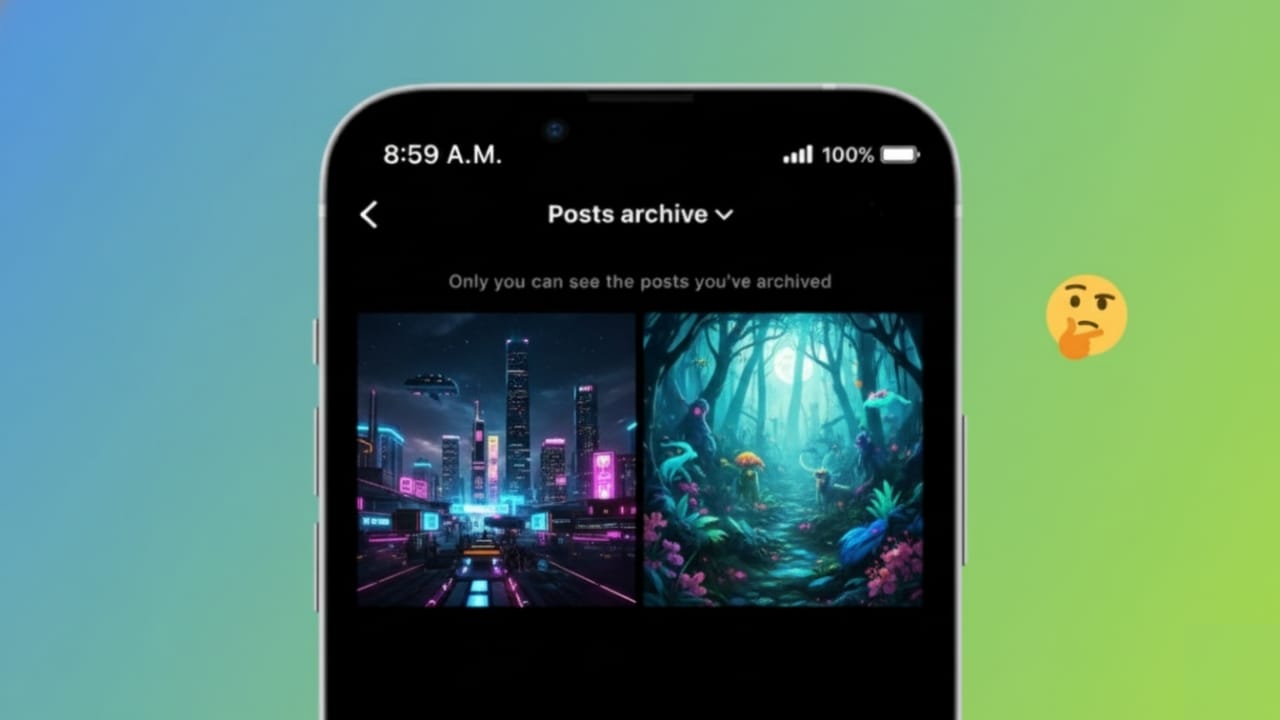
There are times when you want to tidy up your Instagram profile without losing your old posts forever. Maybe some photos no longer match your style, feel outdated, or you just want a cleaner feed for now. In these situations, Instagram’s archive option is the best solution.
This guide explains what the Instagram archive feature is, how it works, and how you can use it the right way.
Also read: How to Tag Someone on Instagram Story After Posting
What Is the Instagram Post Archive?
Instagram post archive is a built-in tool that allows you to remove posts from your public profile without deleting them. When a post is archived, it becomes hidden from everyone else, but it stays saved in your account.
Archived posts:
- Are invisible to your followers
- Keep their likes, comments, and captions
- Can be restored at any time
- Do not send any notification to others
Because of this, archiving is a smart choice if you think you might want the post back later.
Why People Archive Instagram Posts
Many users prefer archiving instead of deleting for practical reasons, such as:
- Keeping their profile neat and organized
- Hiding older or irrelevant content
- Temporarily removing posts during a rebrand
- Saving personal memories privately
- Trying out a new feed style
For creators and businesses, archiving helps maintain a professional look while preserving engagement data.
How to Archive a Post on Instagram
Archiving a post is quick and works the same on both Android and iPhone.
- Open Instagram and go to your profile
- Open the post you want to hide
- Tap the three-dot menu in the corner
- Choose the Archive option
The post will instantly disappear from your profile and move to your archive.
How to View Your Archived Posts
To see posts you have archived:
- Go to your Instagram profile
- Tap the menu icon in the top corner
- Select Archive
- Make sure Posts Archive is selected from the dropdown
You’ll now see all the posts you’ve hidden.
How to Unarchive a Post
If you decide to show an archived post again:
- Open the archived post
- Tap the three dots
- Select Show on Profile
The post will reappear on your profile in its original position, based on the date it was first shared.
Does Archiving Change Likes or Comments?
No. Archiving does not affect engagement in any way. When you unarchive a post:
- All likes remain the same
- Comments come back exactly as they were
- Captions stay unchanged
This makes archiving a safe option with no downside.
Archive vs Delete: What’s the Difference?
It’s important to understand the difference between the two:
- Archive: Hides the post and lets you restore it anytime
- Delete: Removes the post permanently with no recovery
If you’re unsure about removing a post forever, archiving is always the better choice.
Important Things to Remember
- Archived posts are visible only to you
- Followers are not alerted when you archive or restore posts
- Stories and posts have separate archive sections
- Posts must be archived one at a time
Also read: How to Remove Instagram Messages Before Someone Reads Them
Final Words
Instagram’s archive feature gives you full control over your profile without the risk of losing content. Whether you’re a regular user or a content creator, archiving helps you stay flexible and organized.
Instead of deleting posts you might miss later, use the archive option to keep your feed clean, professional, and aligned with your current goals.

I am a passionate Tech Writer with strong industry experience. I enjoy exploring the latest technological innovations and sharing clear, helpful insights with my audience.”