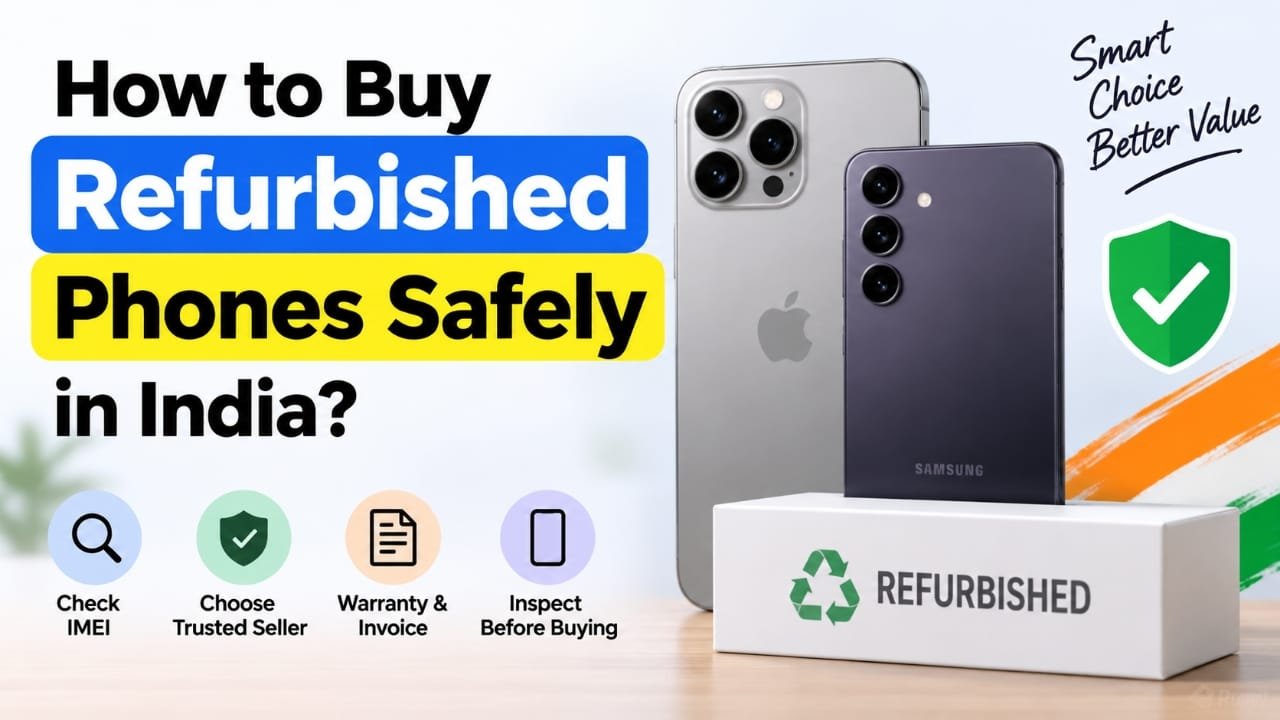
Buying a refurbished smartphone can be a smart way to get a good phone without spending as much as you would on a brand-new model. With the prices of newer smartphones increasing, many buyers in India are now considering refurbished or pre-owned devices.
Popular phones from brands such as Apple and Samsung are commonly available in the refurbished market. These devices may have been returned by previous owners, used as display units, or sold after being repaired and tested.
However, a lower price should not be the only reason to buy a refurbished phone. The condition of the device, seller’s reputation, warranty, return policy, and phone history are all important. A few simple checks before paying can help you avoid many common problems.
Advertisements
Also read: How to Activate a New SIM Card: Complete Beginner’s Guide
Choose a Reliable Refurbished Phone Seller
The first step is to find a trustworthy seller. A reliable seller should clearly explain the phone’s condition, warranty, return policy, and, where available, information about its previous use or refurbishment.
Consider Manufacturer-Certified Refurbished Phones
If available, a manufacturer’s official refurbished programme can be one of the safer options. Some smartphone companies sell refurbished devices after carrying out their own inspection and testing processes.
For example, Samsung has offered refurbished devices through its Certified Re-Newed programme in some markets. Such programmes can include device testing, software checks and replacement of certain damaged components.
Before purchasing, visit the manufacturer’s official website and check whether the refurbished programme is genuine and available in your region. Also verify exactly what warranty and after-sales support are included with the phone.
Do not assume that every phone carrying words such as “certified” or “official” is actually covered by the manufacturer’s programme. Always verify it from the brand’s official source.
Buying From a Refurbished Phone Retailer
Another option is an established retailer that specialises in refurbished smartphones.
Before ordering, check the seller’s rating and reputation. More importantly, read the description of the specific phone you are buying. Refurbished devices can have different grades depending on their cosmetic condition.
Look for information about:
- Overall condition of the phone
- Battery condition, if provided
- Warranty period
- Return or replacement policy
- Accessories included with the device
- Whether replacement parts were used
- Whether the phone has been tested
Always keep the invoice after purchase. It can be useful if you need warranty or return support later.
Buying From a Physical Store
If you are not comfortable purchasing a refurbished phone online, visiting a physical store can give you an opportunity to inspect the device before paying.
Check the screen, frame, cameras, speakers, charging port and buttons yourself. You can also ask the seller about the phone’s warranty, replacement parts and return policy.
Be careful if a seller refuses to provide important details such as the phone’s IMEI number, purchase invoice or warranty information.
Check the IMEI Before Paying
The IMEI is a unique identification number associated with a mobile device. Checking it is an important step when buying a used or refurbished phone.
First, compare the IMEI shown on the phone with the number printed on the original box or mentioned on the invoice, where applicable. The numbers should match.
In India, buyers can also use the government’s Sanchar Saathi services to check information related to a mobile device’s IMEI. This can help you identify potential issues before completing the purchase.
Do not rely only on an IMEI check, though. It is still important to inspect the physical phone and verify the seller’s documents.
Make Sure the Phone Is Not Account-Locked
A refurbished or second-hand phone should be properly removed from the previous owner’s account.
For an iPhone, make sure the previous owner has signed out of their Apple Account and that Activation Lock is no longer enabled.
For an Android phone, make sure the previous owner’s Google account has been removed and the device has been reset correctly.
If the phone asks for the previous owner’s account details during setup, do not complete the purchase until the issue has been properly resolved.
Check the Battery Condition
Battery condition is especially important when buying an older smartphone.
On an iPhone, you can check Battery Health from the Settings app. The exact battery information available on Android phones depends on the manufacturer and model.
A phone with a heavily worn battery may require replacement sooner than expected. If the seller provides a battery-health figure, check whether it applies to the exact device you are purchasing rather than relying on a general claim in the listing.
Inspect the Screen Carefully
Turn on the display and look at it against a plain background. Check for:
- Scratches or cracks
- Bright or dark spots
- Lines on the screen
- Flickering
- Touchscreen problems
- Uneven brightness
Open different parts of the phone and test the touchscreen from edge to edge. A problem that is not obvious on the home screen may become noticeable when using an app.
Test the Cameras, Speakers and Microphone
Open the front and rear cameras and take a few photos and videos.
Check whether the camera focuses properly and whether the lens has visible damage or unusual marks.
Also test:
- Earpiece speaker
- Loudspeaker
- Microphone
- Vibration
- Bluetooth
- Wi-Fi
- Charging
- Headphone connection, if supported
Testing these features before payment is much easier than discovering a problem after taking the phone home.
Check Buttons and Biometric Features
Press every physical button several times to make sure it responds normally.
If the phone supports fingerprint authentication, test the fingerprint sensor. On compatible iPhones, test Face ID as well.
Do not assume that these features work simply because the phone starts normally.
Check SIM and Network Compatibility
Before buying, make sure the phone supports your SIM and the mobile networks you plan to use.
This is particularly important when purchasing an imported model. Different versions of the same smartphone can support different network bands or SIM configurations.
If possible, insert your SIM card and make a test call before completing the purchase.
Make Sure the Phone Has Been Reset
The device should be properly reset before it is handed over to you.
After switching it on, check whether it starts the normal setup process rather than opening directly into the previous owner’s account or personal data.
Never accept a phone that still contains someone else’s photos, messages, accounts or other personal information.
Ask for an Invoice and Warranty
Always ask for a proper purchase invoice. It should clearly identify the seller and, where applicable, the device details.
Also confirm:
- Warranty duration
- What the warranty covers
- Where you can claim warranty service
- Return period
- Replacement conditions
- Any exclusions
Save the invoice, warranty information and purchase communication after buying the phone.
Be Extra Careful With Individual Sellers
Classified websites and individual sellers may offer attractive prices, but they can also carry greater risk.
If you are buying from an individual, try to inspect the phone in person before making payment. Check the IMEI, account status, physical condition and basic functions.
Avoid sending money in advance for a phone that you cannot inspect, especially when the seller cannot provide a valid invoice or reasonable proof that they own the device.
If the price looks unusually low or the seller is pressuring you to make a quick payment, take extra time to verify everything.
Final Checklist Before Buying
Before paying for a refurbished smartphone, go through this quick checklist:
- Check the IMEI and compare it with available device records.
- Inspect the screen and body for damage.
- Test cameras, speakers and microphones.
- Check buttons and biometric features.
- Test charging and connectivity.
- Confirm SIM and network compatibility.
- Check battery condition.
- Make sure the previous owner’s account has been removed.
- Confirm that the phone has been properly reset.
- Ask for an invoice.
- Check the warranty and return policy.
- Avoid advance payment when you cannot properly verify the phone or seller.
Also read: Apple Watch Series 12 and Ultra 4 Leak Hints at Four Major Upgrades
Final Words
A refurbished phone can offer good value, but the lower price should not come at the cost of basic safety checks. The safest approach is to buy from a reputable seller, understand the phone’s condition and warranty, and inspect important features before making the payment.
Take a few extra minutes to verify the IMEI, account status, battery, hardware and paperwork. These simple checks can make it much easier to identify potential problems before you commit your money.

I am a passionate Tech Writer with strong industry experience. I enjoy exploring the latest technological innovations and sharing clear, helpful insights with my audience.”
Advertisements